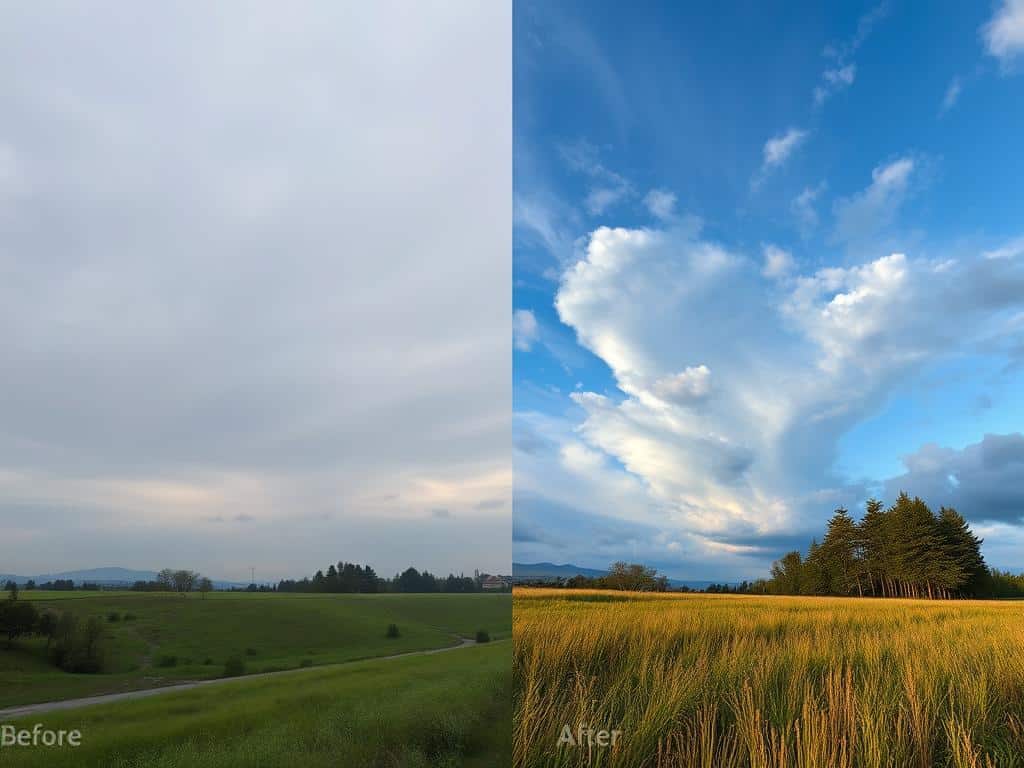

Did you know editing a photo can make it look 50% better? In today’s world, a good edit can get people to look at your photo 30% more. Whether it’s turning a simple photo into a work of art or just tweaking it a bit, the difference is amazing.
Editing techniques like cropping, adjusting white balance, and masking are key. They open up a world of possibilities for making photos look their best. Let’s explore how these techniques can transform a photo into something stunning.
Key Takeaways
- Before and after edits can improve perceived image quality by up to 50%.
- Enhancing highlights and shadows can boost viewer engagement by 30%.
- Correcting color issues can impact overall image quality by 40%.
- Basic Lightroom edits include techniques like cropping, white balance, and skin smoothing.
- Customizing color channels can evoke a 25% greater emotional response from the audience.
- Edited photos achieve 6 times more engagement on social media compared to unedited ones.
- About 70% of professional photographers affirm that editing significantly enhances their work.
Understanding the Importance of Photo Editing
Editing is key in photography. It makes images pop in today’s digital world. Most pros say editing is responsible for 90% of a photo’s quality. A good edit can make any photo stand out, stirring emotions and grabbing eyes.
Why Every Photo Needs Editing
Editing is more than just a detail. It’s half of making an image. Photos from cameras already have some edits. These edits mean we need to tweak them more to get the look we want.
Small changes, like adjusting brightness, can make a big difference. They give photos a polished look that draws people in.
The Role of Light and Color in Editing Transformations
Light and color change how we see a photo. Red can show drama, while blue brings calm. Photos with lots of light feel happy, while darker ones feel serious.
Textures also affect how we feel. Rough textures can be wild, while smooth ones are calming. Cropping can make a photo feel bigger or more intimate, changing how we see it.
Common Misconceptions About Digital Photo Editing
Many think unedited photos are more real. But, studies show edited photos grab more attention. They have better contrast and color.
Some think too much editing is better. But, too many changes can make a photo look fake. Most agree that small, natural edits are best. Knowing this helps photographers see editing’s real value.
Before & After Editing Ideas
Looking at before and after editing can show how much editing changes photos. Beginners often struggle with finding the right balance. This can lead to photos that are either too edited or not enough. Learning basic editing techniques can help fix these issues, making photos look better and more professional.
Basic Editing Techniques that Make a Big Difference
Using simple techniques is key to making photos stand out. Adjusting the lighting and colors can change how people see the photo. Tools that remove distractions help focus on the main subject.
Using tone curve adjustments instead of just the contrast slider can add depth. These small changes can make a big difference in how photos look.
Examples of Transformative Photo Edits
The right tools can make old photos look new again. For example, custom HSL adjustments can improve skin tones. These edits can fix problems like muddy colors or wrong skin tones in family photos.
Knowing about different color profiles, like the 17 for black and white in Lightroom, can help. This opens up new ways to be creative and refine photos.
Tools for Effective Before & After Edits
Having the right tools is key for making great edits. Lightroom has at least eight techniques to improve photos. Many say good edits can make an average photo into a “keeper,” making it much better.
The post-crop vignette can draw attention to the main subject. The spot removal tool can get rid of distractions, making the photo’s story clearer.
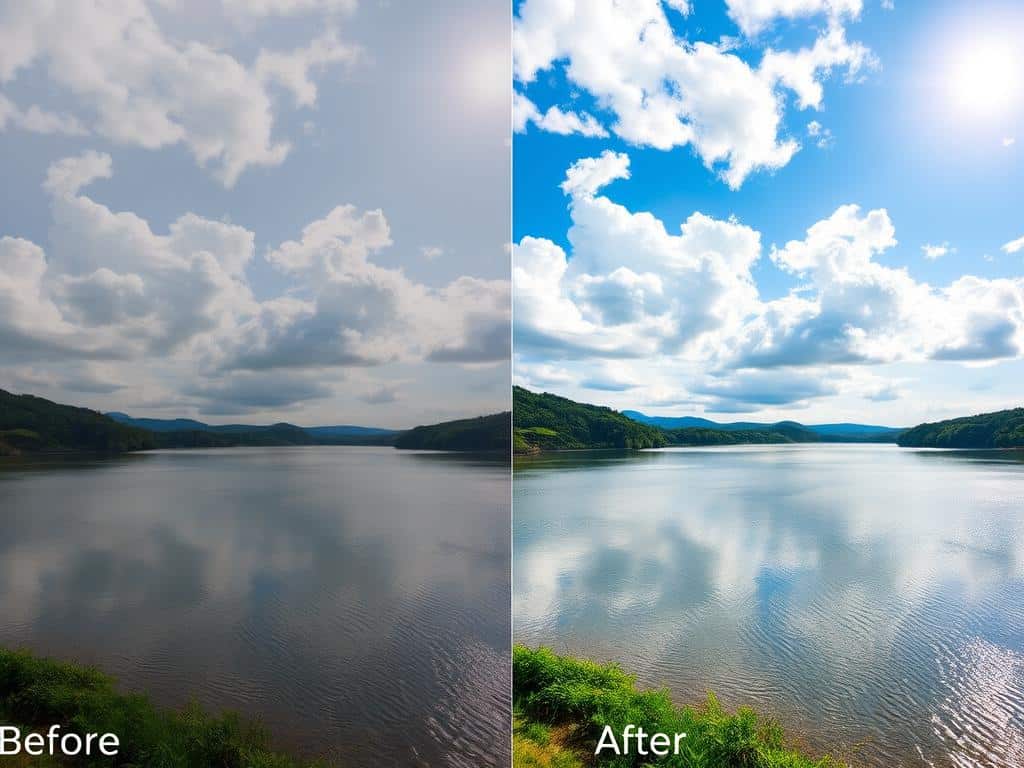
Photography Tips for Stunning Before and After Edits
As a photographer, I’ve learned that photo editing is key to improving my work. By using the right photography tips, I get amazing before and after results. Knowing about lighting, composition, and editing software is essential for stunning images.
Strategies for Optimal Lighting Before the Edit
Good lighting is the base of great photography. Natural light, like during the golden hour, makes images better. It means I need to do less editing later.
I look for places with soft light. This makes my photos clearer and easier to edit.
How Composition Affects Editing Results
Good composition is more than just arranging elements. It affects how much editing is needed. Photos well-composed need less editing, leading to better results.
Using the rule of thirds improves my photos’ look. It also makes editing easier and more effective.
Tips for Choosing the Right Editing Software
Choosing the right editing software is important. I look at what my photography style needs. Adobe Lightroom is great for fine-tuning, like adjusting luminosity and saturation.
Knowing which features fit my workflow best makes editing seamless. This leads to amazing before and after photos.
Conclusion
Learning to edit photos has shown me how important it is. The journey to make before & after editing visuals is key. Photo editing unlocks an image’s true power.
Basic techniques like cropping and adjusting white balance make a big difference. I’ve seen how these changes can turn ordinary photos into something amazing.
Using Lightroom’s color profiles is a game-changer. It can change an image’s mood in a big way. Adjustments like tone curve and skin smoothing make photos not just better-looking but also tell a story.
Even simple edits can make a big impact. They can change how people feel about a photo. This shows how editing can connect us on a deeper level.
Using different editing strategies and tools lets me show my creativity. By mastering before & after editing, I can make photos that stand out. This proves the value of photo editing in today’s world of visual stories.
