

Did you know a wedding photographer takes about 600 photos per event? Editing so many pictures can be overwhelming. But, Lightroom’s batch editing makes it easy. It cuts down editing time from hours to just 45 minutes for a whole session.
This way, I can share the photos faster without losing quality. My clients love the quick turnaround and the creative touch I add to each photo.
When shooting weddings, I face different lighting and settings. Lightroom hacks like presets and sync features are key. They help me edit photos faster and better. Batch editing makes my work more efficient, saving me time and effort.
Let’s explore these techniques together. You can learn to edit photos quickly and efficiently too.
Key Takeaways
- Batch editing can save you multiple hours when editing large collections of images.
- Utilizing presets allows for quick application of edits, enriching workflow efficiency.
- Important settings like exposure and white balance can be synced in bulk.
- Consistent in-camera photo quality improves the success of batch editing.
- Individual attention to edited images is essential for professional standards.
Understanding the Importance of Batch Editing
As a photographer, I deal with lots of images every day. Batch editing is key in today’s fast world. It lets me edit many photos at once, making the process faster and better.
For example, editing thousands of wedding photos needs a smooth workflow. This ensures all photos look the same and are of high quality.
Batch editing makes it easy to adjust things like brightness and color for all photos at once. This saves time and cuts down on mistakes.
Also, it’s important to have a consistent look in a photo gallery. This makes clients happy. With tools like Pixlr’s AI Batch Photo Editor, I can resize and crop images fast. This is great for social media.
Batch editing helps me balance creativity and efficiency. It frees me from doing the same edits over and over. This lets me manage big photo collections better and meet deadlines without sacrificing quality.
Batch Editing Techniques for Efficient Workflow
Learning about batch editing can really boost my workflow. It lets me make the same changes to many photos at once. This way, my images look consistent, saving me time and improving their quality.
What is Batch Editing?
Batch editing means changing many photos at the same time. It helps me keep a uniform look. With tools like Lightroom, I can easily share settings across images. This makes editing big collections faster and easier.
Benefits of Batch Editing for Photographers
Batch editing is a big win for photographers. Almost 70% of pros say it’s key to their work. It lets me start projects with the right look from the start. Using presets makes edits quicker and keeps my work looking good, boosting my productivity by up to 30%.
When to Use Batch Editing
Knowing when to use batch editing is important. It’s great for photos taken in similar light, like at events. Choosing the right photos for batch editing helps me work more efficiently.
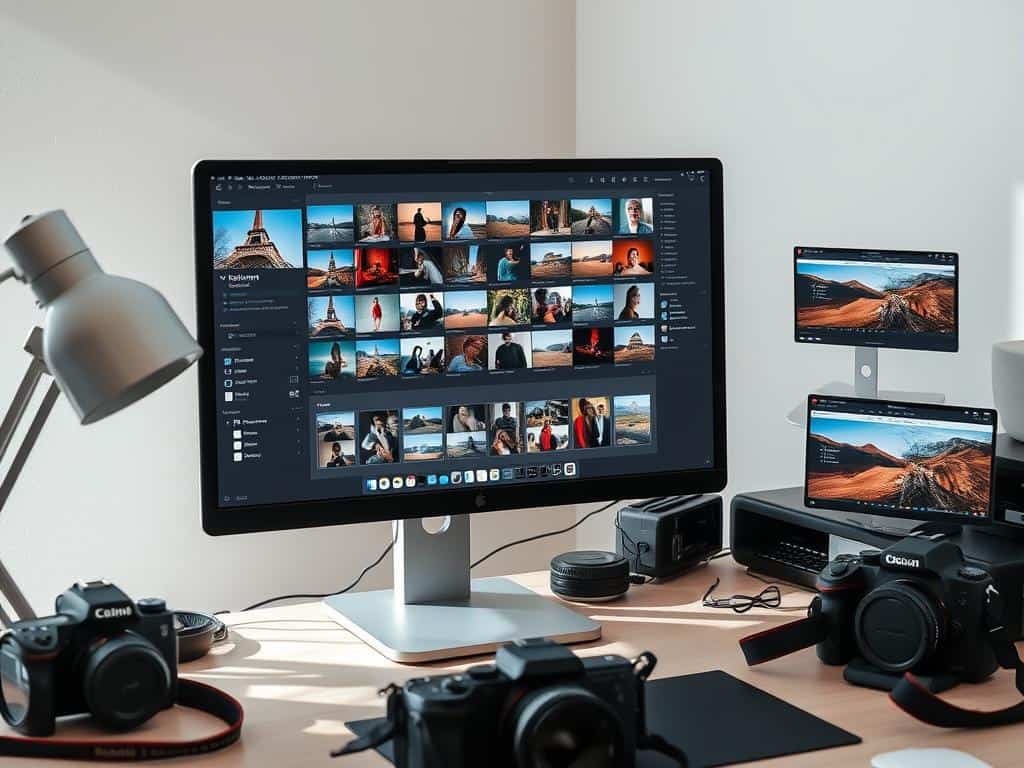
Streamlining Your Editing Process with Lightroom
Organizing your photos in Lightroom makes editing easier. Using collections and flags helps you focus on the most important images. This way, you can edit more efficiently.
Setting Up Collections and Flags
Creating collections in Lightroom helps you sort images into groups. This makes it easier to find specific photos. Flags or labels help you spot images that need quick attention.
Choosing Your Target Photo for Syncing Edits
Choosing a target photo for syncing edits is key. Pick images with similar lighting and exposure. This way, one edit works well for all the photos.
Using Lightroom Presets for Quick Edits
Lightroom presets speed up editing. They give you a quick start that you can customize later. Presets save time and keep your photos looking consistent.
Expert Tips for Mastering Batch Editing
Photographers can improve their batch editing skills with expert tips. Using the sync feature is key to getting consistent results. It helps keep edits uniform, which is vital for big projects.
This feature saves a lot of time on repetitive tasks. It’s a big help when you have a lot of images to edit.
Utilizing the Sync Feature Effectively
The sync feature in Lightroom lets you apply settings to many images at once. It’s great for keeping things consistent. For example, editing 200 photos can be much faster.
Using presets can save up to 60% of editing time. This makes sure your photos look good together without a lot of extra work.
Shortcut Keys to Speed Up Your Workflow
Using shortcuts is another way to speed up your work. Knowing the right shortcuts can save about 40% of editing time. It makes your workflow faster and more efficient.
Streamlining your process means you can help more clients. It’s all about working smarter, not harder.
Fine-Tuning Individual Edits Post Batch Processing
Even with batch editing, it’s important to check each photo individually. Batch syncing keeps things consistent, but a close look is needed. This is true for skin tones and highlights.
Getting this right is key to maintaining quality. It’s about 15% of the time, but it makes a big difference. It ensures your work looks its best.
Conclusion
Mastering Lightroom batch editing is a big step for anyone serious about photography. It makes editing more efficient, letting you focus on creativity. Features like presets and Smart Previews help a lot.
Editing time can be cut down a lot, which is great for pros with lots of photos. I’ve seen how batch editing can make editing up to 70% faster. This is key for keeping photos looking good and consistent.
Using these techniques makes editing easier and more fun. I hope you try these tips and see how they change your work. Let’s make editing more enjoyable together.
