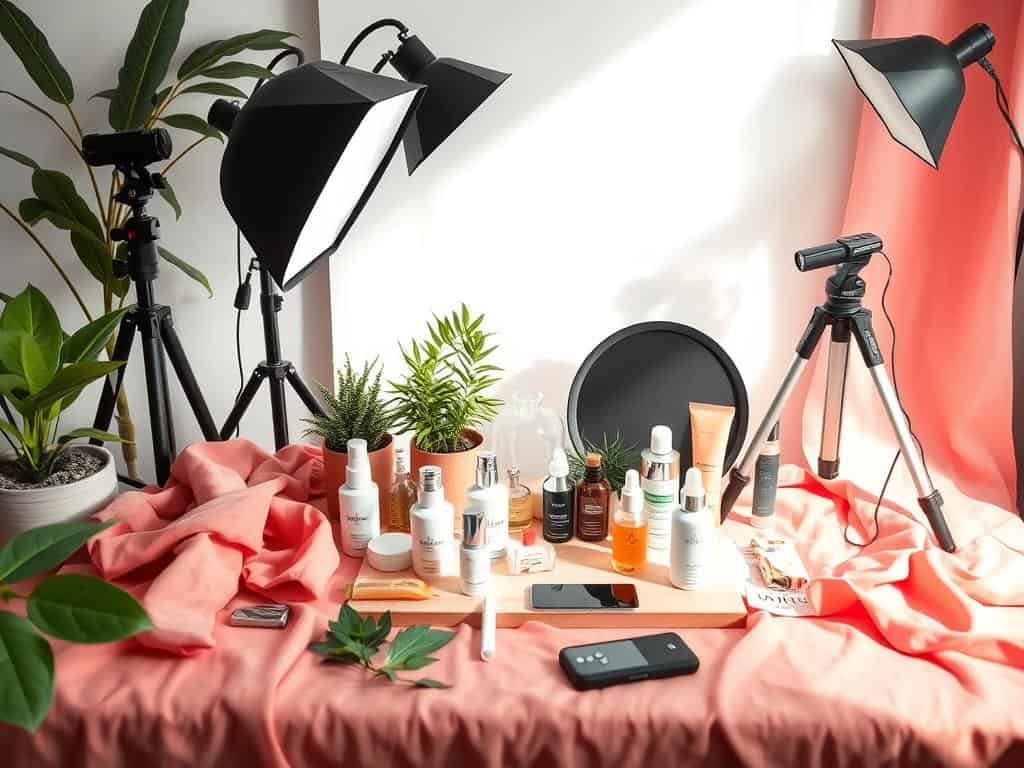

Did you know that professional-looking product images can increase online sales by up to 30%? It’s true! In the competitive world of ecommerce, your images can make or break a sale. With 67% of consumers valuing image quality highly, making great product photos is key.
Creating your own photography setup can cost less than $50. This is much cheaper than professional photoshoots, which can cost between $300 and $1,200. By learning to take great photos yourself, you can save money and boost sales. Using a tripod and optimizing images for fast loading can also improve user experience and sales by 50%.
In this section, I’ll share essential tips for taking great product photos. You’ll learn how to use natural light, make a DIY lightbox, and even use household items for amazing shots. These tips will help your images stand out and grab attention.
Key Takeaways
- Professional-looking product images can boost online sales by up to 30%.
- 67% of consumers consider image quality “very important.”
- DIY setups can be created for under $50, compared to professional shoot costs.
- Using a tripod can enhance camera stability for clearer images.
- Optimizing images can reduce website loading times, improving user experience.
Different Types of Product Photography
Product photography changes a lot based on the item and what story it tells. By using different methods, I can make each product look amazing for online shopping. Let’s look at some key styles.
Individual Shots
Individual shots focus on one product to show off its best features. They’re great for product pages and banners, highlighting top items. For instance, Amazon likes white backgrounds to make products stand out, which is good for flat lay photos.
Group Shots
Group shots show several products together. This style is perfect for collections and kits, helping to sell more related items. It’s also good for showing different versions of a product, like on social media.
Lifestyle Shots
Lifestyle shots show products in real-life settings. This style helps customers imagine using the product, which can lead to more sales. Brands like Peter Christian use these images to inspire their customers.
Scale Shots
Scale shots help show a product’s size, making it easier for buyers to decide. This can lower return rates and make customers feel more confident in their purchases. Scale shots are very useful in online shopping, where size matters.
Detailed Shots
Detailed shots zoom in on small details and craftsmanship. This is key for items like jewelry, where close-ups can make the product seem more valuable. Using product photography tips to capture these details can really help.
Packaging Shots
Packaging shots show how a product is unboxed, which is important for customer satisfaction and brand image. Brands like Green Roads focus on the unboxing experience to leave a lasting impression on their customers.
DIY Techniques for Product Photography
DIY product photography is fun and budget-friendly. It’s perfect for small businesses and startups. With simple materials and basic photography skills, anyone can improve their online product photos.
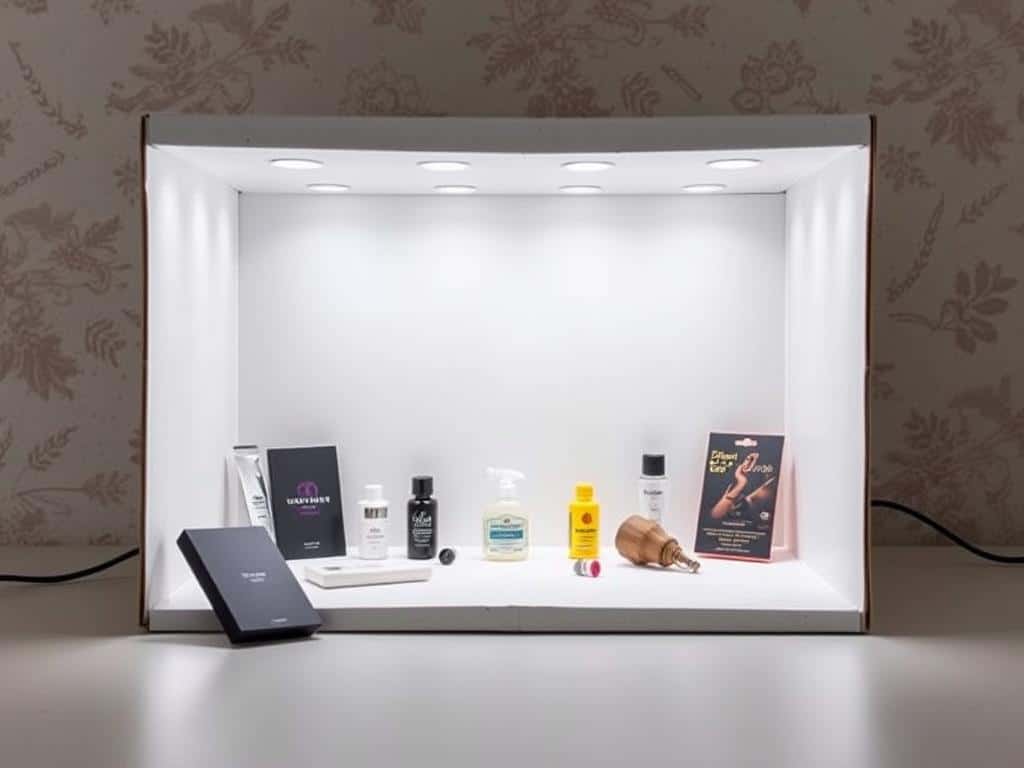
Create a DIY Lightbox
A DIY lightbox can make your product photos look great. You can make one using cardboard, tissue paper, and lights. It helps spread light evenly, reducing shadows and making product details stand out.
Use Natural Light for Your Shoot
Natural light is a great way to take amazing product photos. Place your setup near a north-facing window for soft, consistent light. This method is free but keep in mind the time of day and seasons can change the light.
Make a DIY Reflector
A DIY reflector can improve your lighting and reduce shadows. Use a white foam board or aluminum foil to bounce light. This ensures your product is well-lit and its features are highlighted, which is great for small items.
Set Up a White Background with a Sweep
A white background is key for clean, focused product photos. Use white paper or fabric to create a seamless background. This makes editing easier and keeps your product in the spotlight.
Hang Items with Fishing Line
Use fishing line to hang items like jewelry for unique angles. It shows off details and adds a floating effect. Clear fishing line makes the support invisible, focusing on the product.
Product Photography Tips
Setting up your product photography right is key. Choosing the right background makes editing easier and focuses on the product. Knowing how to place products shows off their best sides. Good lighting brings out true colors and textures. And, editing can make your images perfect for online shopping.
Setting Up Your Background
A simple, white background is best for product photos. It makes the product stand out and makes editing easier. Research shows it can boost sales by up to 20%. I always use a white sweep for a smooth look.
Positioning Your Product
Getting the product’s position right is important. Use the rule of thirds for better composition, which can increase viewer interest by 36%. Close-up shots can make people more likely to buy by 40%. Keeping the product’s position the same in all photos helps your brand look consistent.
Lighting for Products
Lighting is vital in product photography. Soft lighting reduces harsh shadows by 50%, making the product look softer and more inviting. Softbox setups are great for soft lighting. Research shows consistent lighting can make your brand more appealing and loyal by 23%. Always aim for even lighting to show the product’s true colors and textures.
Using Post-Processing Techniques
Post-processing is where you make your product photos shine. Editing ensures they look professional and ready for online stores. Adding drop shadows or ghost mannequin effects can make them more attractive. High-quality images can increase social media engagement by 49%. Focusing on editing can make your products more appealing, leading to more sales.
Conclusion
Mastering product photography is a mix of technical skills and creativity. It makes ecommerce photos more effective. By knowing different types of product photography, like flat lay and lifestyle shots, we can show products in a great way. Each type has its own benefits, like lifestyle shots boosting social media engagement by up to 120%.
DIY techniques are a budget-friendly way to get professional-looking photos. Using natural light, which over 60% of photographers prefer, and a DIY lightbox can improve image quality. A good background and reflectors help reduce shadows and highlight product details. This makes images better and saves time on editing by 50%.
Using these tips makes your ecommerce photos stand out. They show your products well and grab customers’ attention. From a consistent style to detailed shots with macro lenses, every detail helps. High-quality images build trust and interest, leading to more sales and a stronger online presence.
