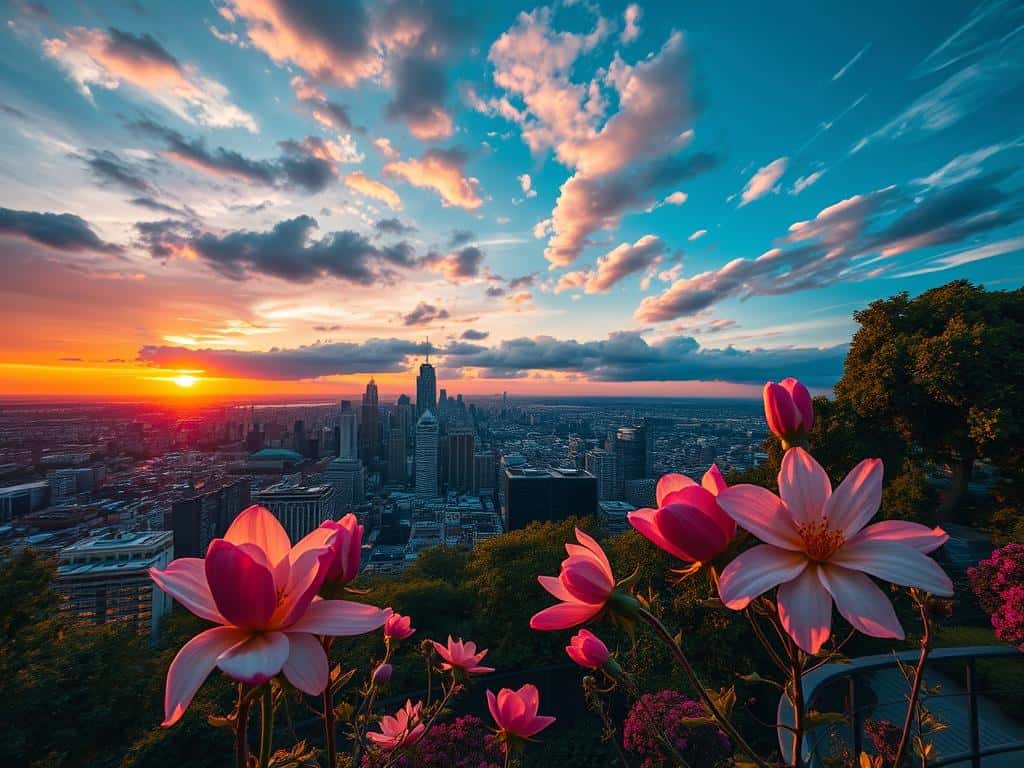

Did you know time-lapse photography can turn long scenes into short, stunning videos? Imagine seeing a flower bloom in seconds, not minutes. This art form speeds up time and shows us things we can’t see normally. It’s used in science, movies, and social media for its powerful storytelling.
To make these amazing videos, you need to mix photography and videography skills. Shooting at lower frame rates and playing back at standard speeds creates stunning visuals. Tools like interval shooting and guides make it easy to get great shots. You can use cameras like the Canon EOS 5D Mark IV or the Nikon D810, or add an external intervalometer for endless possibilities.
Key Takeaways
- Time-lapse photography can dramatically condense scenes that occur over extended periods into a short video format.
- Using an external intervalometer can greatly enhance the capture of time-lapse photography.
- A popular frame rate for smooth time-lapse videos is at least 24 frames per second.
- Higher megapixel counts in cameras correlate to better resolution and image quality.
- Consideration of interval settings is critical; shorter intervals yield smoother results.
- Neutral Density (ND) filters help control light for longer exposure times.
- For projects like construction, interval shooting often ranges between 5 to 15 minutes.
Understanding Time-Lapse Photography and Videography
Time-lapse photography shows us the world in a new way. It turns long periods into short clips. This lets us see things like flowers blooming and cities moving fast.
To get good at it, you need to learn the technical side. Knowing the best practices is key.
Basics of Time-Lapse Photography
The core of time-lapse is about the time between each shot. For example, a construction project might have shots every 10 to 30 minutes. But for fast action, like concrete pouring, you might need shots every 1 to 5 minutes.
It’s also important to know how the time between shots and frames per second (FPS) affect your video. This lets you plan your project and know how long it will take to record.
Adjusting the shutter speed is also key for smooth videos. A slower shutter speed can make motion look more fluid. Most time-lapse videos are shot at 24 frames per second, but HD videos might use 60 frames per second for better quality.
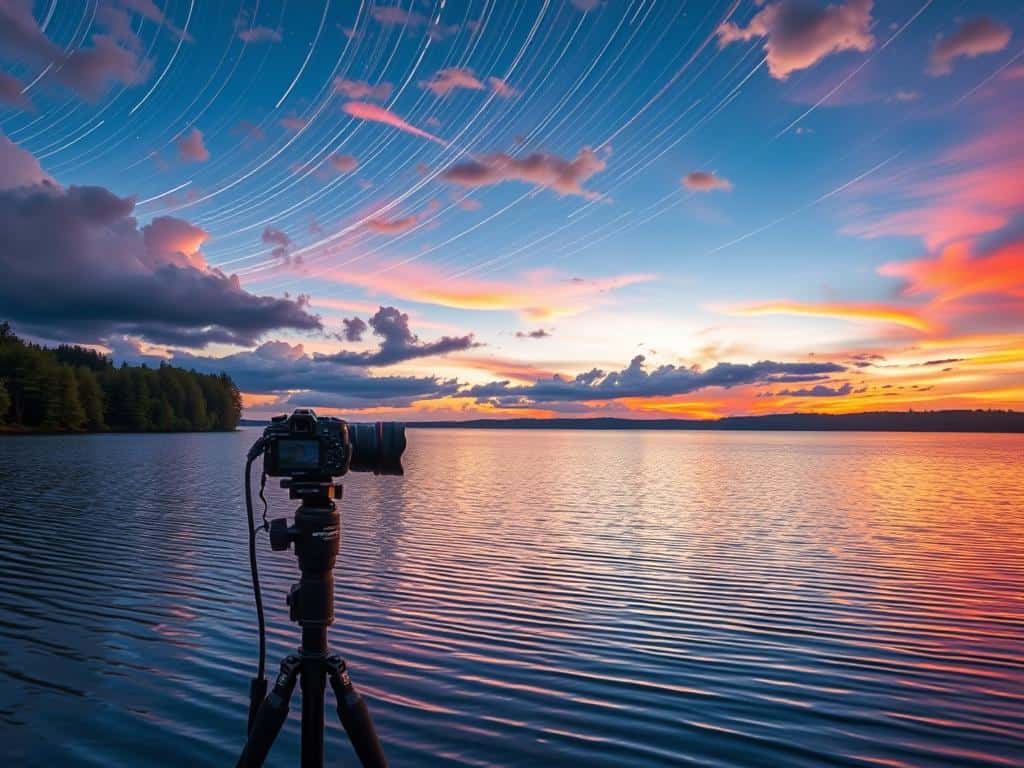
Choosing the Right Equipment
The right equipment makes a big difference in your time-lapse videos. Cameras like the Tikee 3 PRO+ offer high quality, even when zoomed in later. They’re also weatherproof, so they work well in tough conditions.
For those who like to keep things simple, DSLR or mirrorless cameras with built-in intervalometers are great. They save space and give good results. A sturdy tripod and the right lenses can also make your videos better.
Shooting in RAW gives you more control in editing, but using JPEGs can make things easier. For those on a budget, making your own intervalometer can save money. These tips and tools will help you make amazing time-lapse videos.
Time-Lapse Photography Guide
Making stunning time-lapse videos is an art. It needs focus and knowing your subject and gear well. This guide will help you pick the right subject and share tips for great time-lapse recording.
Selecting Your Subject
Picking the right subject is key for engaging time-lapse videos. Look for subjects that change a lot over time, like cityscapes, nature, or building projects. For example, capturing a city square’s hustle or a flower blooming can be fascinating.
Subjects that move in your frame make your video more interesting. Choose subjects with ongoing or repeating motion, like clouds or waves. But, fast-moving things or very slow changes might not work well.
Think about how long your project will take. Most good time-lapses aim for under an hour of real-time shooting. This makes your project easier to manage and gives you enough footage for editing.
Recording Tips
Success in time-lapse photography comes from careful planning and doing. First, use a reliable tripod to keep your camera steady. Shaky footage is common and can ruin your video. A good tripod or stabilizer is essential for quality.
Choosing the right frame capture intervals is key. Beginners should start with 2 to 8 seconds for most subjects. An intervalometer can help keep your intervals consistent.
Use manual settings to avoid flickering. Manual focus, exposure, and white balance give better results. Shooting in RAW also helps with editing.
Adding motion, like panning or tilting, can make your video more interesting. Tools like motion control devices can help automate these movements.
After shooting, edit your video with tools like Adobe Lightroom or Filmora. These programs help you stitch frames, adjust speeds, and add finishing touches. Make sure you have enough power and storage for long shoots.
By following these tips, you can make amazing time-lapse videos that grab your audience’s attention.
Conclusion
Creating time-lapse videos is a fun and powerful way to share stories. With the right tools and creativity, anyone can make amazing videos. These videos can tell stories and spark imagination.
First, learn the basics of time-lapse photography. Choose the right equipment, like the Fujifilm X-T30 or Canon EOS 90D. For night shots, use a lens with f/2.8 aperture. For daylight, f/8 is best.
For smooth videos, shoot at 24 frames per second. Tools like the Syrp Genie II can add camera movement. This makes your videos more engaging.
Technology and software are key. Use high-resolution settings and tools like Adobe Lightroom. Smartphones, like the iPhone 14, make it easy to start. Editing software, like Filmora, offers over 150 free filters.
Time-lapse videos are for fun and science. They keep getting better with new tools. Whether you’re new or experienced, time-lapse offers endless possibilities. It’s a great way to improve your skills and show the magic of time.
