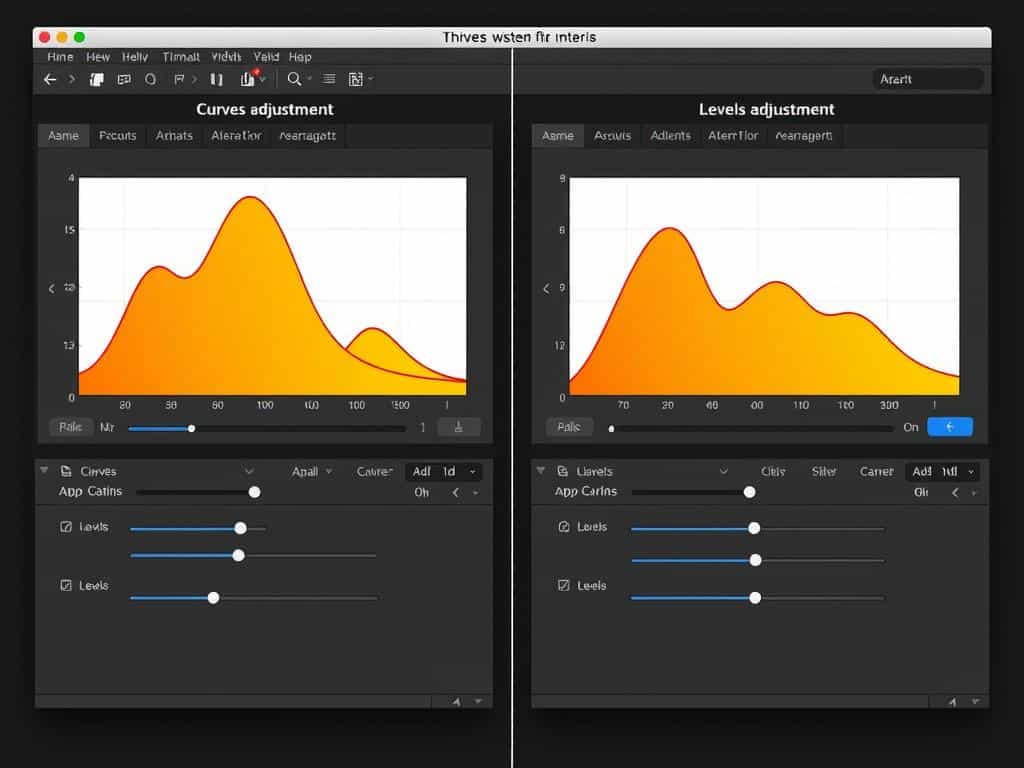

Did you know almost 90% of digital photographers use Curves and Levels Adjustment Layers in Photoshop? These tools are key for fixing exposure and color, which are vital for amazing visuals. As someone always looking to get better, knowing how to use Curves & Levels is a must for perfect photo balance and detailed tonal control.
Both tools have a histogram to show an image’s tonal details. Levels has three sliders for shadows, midtones, and highlights, making it easy to use. Curves, on the other hand, gives you fine control over the whole tonal range. This flexibility helps me improve my photo editing skills, making my images look professional. In this guide, I’ll explore Curves and Levels’ unique features, giving me the skills needed for top-notch photo editing.
Key Takeaways
- Both Curves and Levels are essential tools for correcting exposure and color adjustments.
- Curves provide greater control over specific tonal adjustments, while Levels are more user-friendly.
- The histogram is a critical feature for assessing proper exposure in images.
- Effective use of shadows, highlights, and midtones can enhance overall image quality.
- Learning when to use Curves versus Levels can optimize editing outcomes significantly.
Understanding Curves & Levels Adjustments
In photo editing, Curves and Levels are key for adjusting tones. Knowing how to use them can greatly improve my photos. I’ll cover the basics of both tools and how they help me get the best results.
What are Curves and Levels?
Curves and Levels help me fine-tune tones in my images. The Curves tool uses a graph to adjust tonal values. It’s great for detailed edits because each point on the line changes brightness levels.
The Levels tool is simpler. It has three sliders for Shadows, Midtones, and Highlights. This makes it easy to adjust brightness and contrast.
How Curves Works
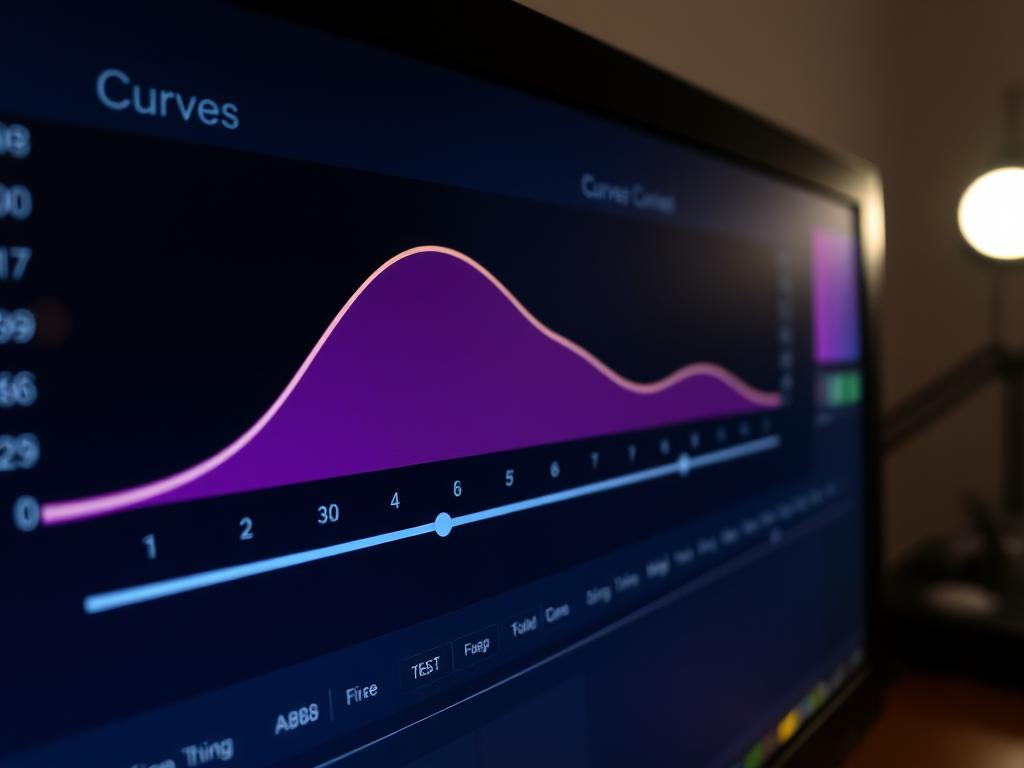
The Curves tool in Photoshop lets me control tones with precision. I can tweak shadows and highlights separately. The left side is for shadows, and the right is for highlights.
By adding control points, I can make small or big changes. This tool is essential for keeping colors accurate in my photos.
How Levels Works
Levels is simpler than Curves but gets the job done fast. It has three sliders for Shadows, Midtones, and Highlights. This makes it easy to adjust tones without getting lost in settings.
The histogram shows tonal distribution, helping me make quick adjustments. Levels is great for fast corrections, making sure my images are balanced.
Benefits of Using Curves & Levels Adjustments
Curves and Levels are key tools in my photo editing kit. They each bring unique benefits for improving images. Knowing their strengths helps me make better choices.
Precision Control with Curves
Curves is great for fine-tuning images with precise adjustments. It lets me tweak contrast and color balance with ease. This tool is perfect for making complex adjustments that boost image quality.
It’s also great for color correction, which is essential in professional editing. Curves gives me the control I need for detailed work.
Quick Adjustments with Levels
Levels is my go-to for quick fixes. Its simple interface makes it easy to adjust brightness and contrast fast. It’s perfect for fixing poorly lit photos quickly.
It’s also great for beginners or when time is short. Levels ensures good results without needing to get too technical.
Choosing Between the Tools
Choosing between Curves and Levels depends on what I need. Curves is best for detailed adjustments and color control. Levels is better for quick fixes or simple edits.
Using both tools in my workflow gives me the best of both worlds. This way, I can achieve top-notch results in my photo editing.
Conclusion
Learning to use Curves and Levels has changed how I edit photos. These tools help me control my photos better, making them stand out. The curves tool lets me adjust specific parts of the photo’s tone with ease. Levels helps fix exposure issues quickly across the whole image.
Knowing how to use both tools is key for photographers. With Curves and Levels, I can adjust brightness and improve the look of my photos. I can even use S curves for more contrast or tweak each color channel separately.
Practicing with these tools has given me a professional edge in editing. While Levels is good for basic fixes, Curves lets me make more detailed changes. Using these techniques has not only made my photos better but also more fun to edit.
