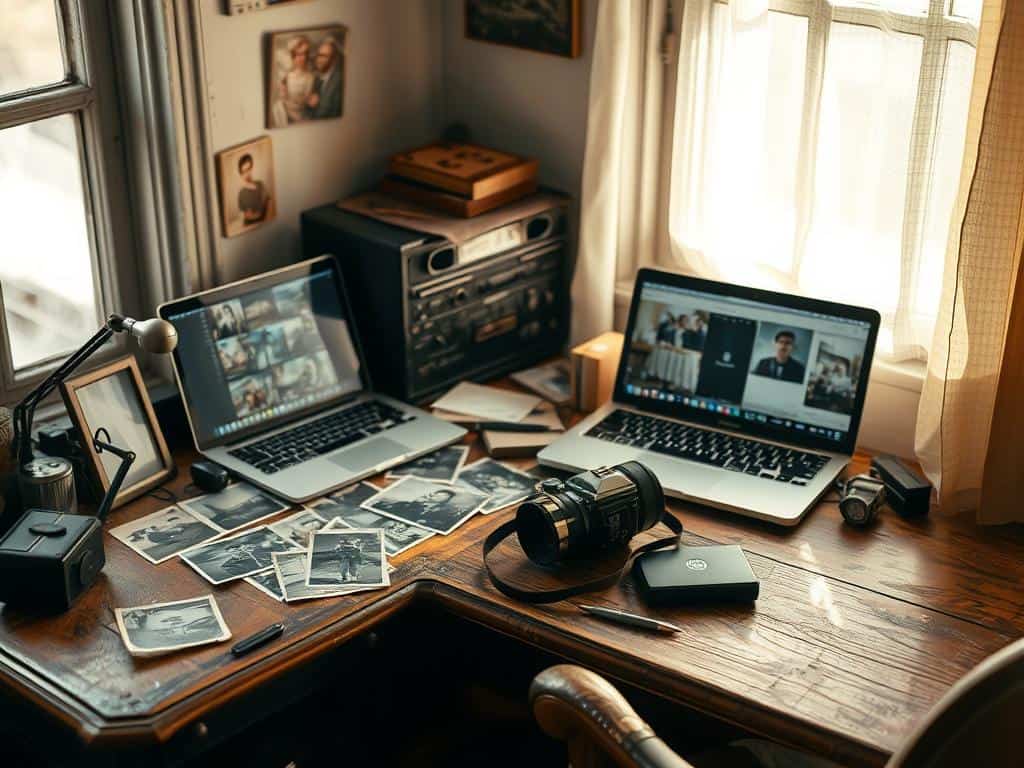

Did you know 85% of Instagram users love photos with a retro or vintage vibe? This shows how big the trend of editing vintage photos has become. Many photographers are now using vintage editing techniques to grab people’s attention.
In today’s world, making photos look old can really help get more likes and comments. In fact, 60% of photographers say vintage effects make their social media posts more popular.
As someone who loves making photos look charming, I’ve found that using old film styles and retro filters is key. This article will be your guide. We’ll cover the basics of editing vintage photos, what makes vintage images special, and the best tools and apps for the job.
Key Takeaways
- Vintage effects can significantly enhance social media engagement.
- Many photo editing tools include filters for vintage looks.
- Adjusting exposure and temperature is key for a vintage feel.
- About 70% of young adults use vintage effects on social media.
- Small changes in editing software can make photos look retro.
Understanding the Vintage Look
Exploring the vintage look shows a mix of nostalgia and art. It captures the essence of old times. This style reflects how photography has changed over the years.
It’s a way to bring back the emotional feel of old memories. It invites us to see the beauty in age.
What is a Vintage Look?
The vintage look is a style that takes us back to when photos were softer. It imitates the old film photography. This style loves the imperfections that make photos unique.
Things like muted colors, graininess, and warm tones make it special. They help modern photos feel as emotional as old memories.
Characteristics of Vintage Photos
Vintage photos have grainy textures that make them seem real and old. These textures hide skin flaws, making photos look good on anyone.
They also have soft colors because of low color saturation. A yellow tint from old photo paper adds to their charm. Vignetting frames the subject, making the photo more focused.
To get a vintage look, you need to use these features. It’s about creating a photo that tells a story of time and memory.
Editing Vintage Photos: Essential Techniques
To make photos look vintage, I use key editing techniques. Adjusting color and contrast is essential. I lower color saturation to get the faded look of old photos. Then, I adjust contrast to balance the tones.
Adjusting Color Saturation and Contrast
Editing photos means paying attention to exposure and temperature. In bright light, I warm up the photo by 10-15%. I also reduce color saturation by 20-30% and boost vibrance by 10-20%. This makes the photo feel warm and nostalgic.
Adding Grain Effects for Authenticity
Adding grain effects makes photos feel real. A bit of grain adds texture, like classic film. I avoid too much noise. I also soften the focus and add dust and scratches for a realistic look.
Applying Retro Filters
Retro filters are great for changing photos quickly. I use apps like VSCO and Huji Cam to find filters with light leaks and colors. A mix of purple shadows and yellow highlights works well. I try different combinations to find the perfect look for each photo.
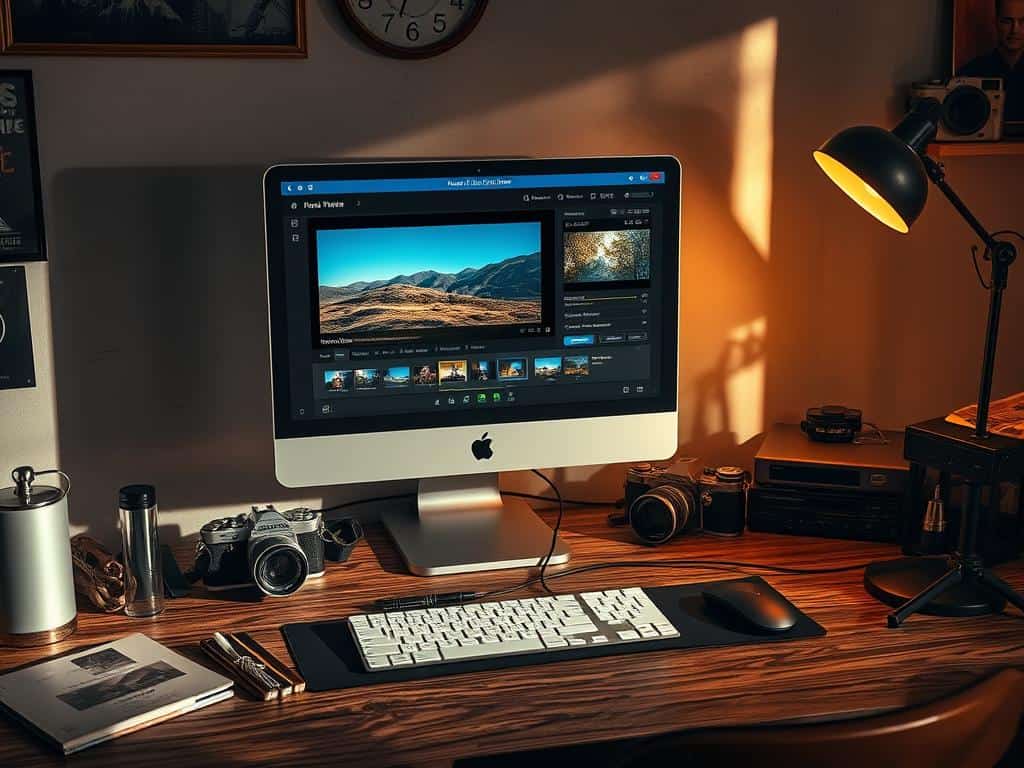
Tools and Apps for Achieving Vintage Style
Getting that vintage look in photos is easier with the right tools and apps. As someone who loves photography, I’ve found great software and apps for vintage style. They let me turn modern photos into old-time classics easily.
Recommended Photo Editing Software
For serious vintage photography, top-notch software is key. Adobe Lightroom and Luminar Neo are great choices. They offer layers and selective editing for a real vintage feel.
These programs let me tweak colors, contrast, and textures. This way, I get a classic look that’s both timeless and personal.
Utilizing Mobile Apps for Quick Edits
For fast edits on the move, some mobile apps are perfect. 1967: Retro Filters & Effects has over 200 filters for vintage photos. Apps like Huji Cam and Lomograph are also great for quick retro effects.
These apps are easy to use and offer lots of customization. They help me enhance photos quickly, matching my unique style.
Conclusion
Mastering vintage photo editing is a mix of technical skills and understanding the retro look. I’ve learned to adjust colors and add grain to get that classic feel. Using tools, whether software or apps, helps me turn modern photos into nostalgic art that people love today.
It’s also key to protect old photos from fading. I use archival methods to keep them safe, knowing that 100% of old photos can fade. Digital backups give me peace of mind, keeping memories safe for the future.
My journey in vintage photo editing has shown me that there’s no one way to get the perfect retro look. It’s all about trying new things and being creative. With the right editing tips, I can make images unique, capturing the style and emotion of the moment.
