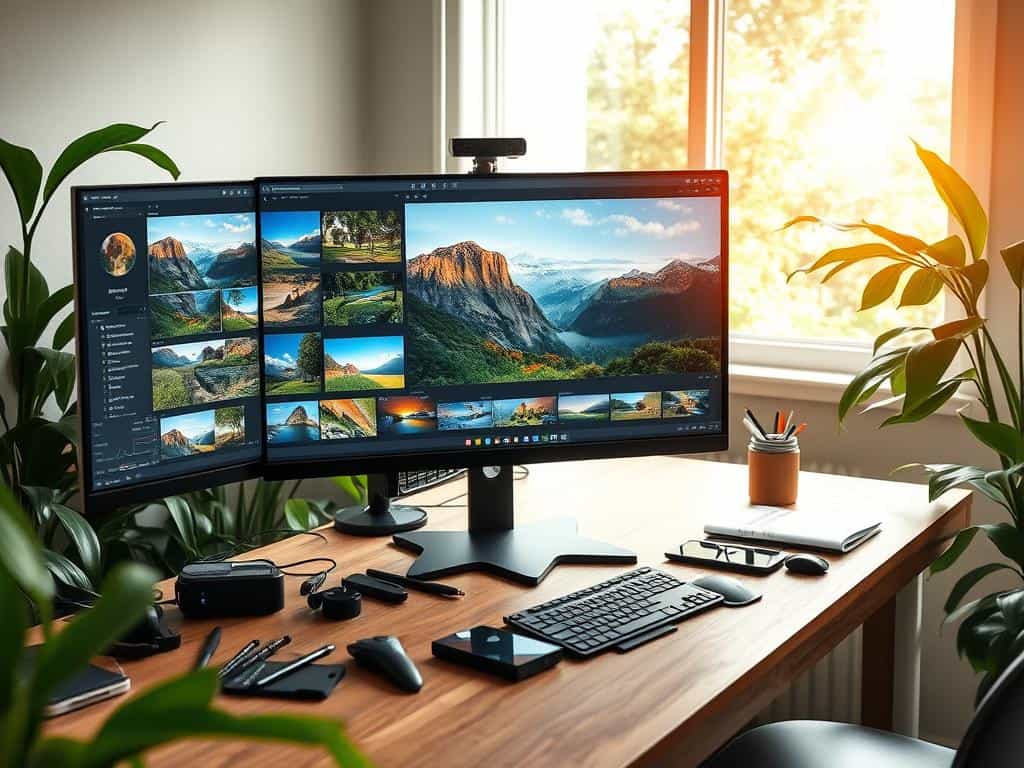

Did you know editing landscape photos can take less than 10 minutes for simple edits? This quick editing can make your photos look amazing. In Nature Photography, capturing a beautiful scene is just the start. Editing that moment can make the image even more powerful, sharing deeper emotions and stories.
In this article, we’ll explore why editing landscape photos is so important. We’ll also share key techniques to make your photos stunning. By using advanced photo enhancement methods and Lightroom tools, you can bring out the best in your images. This will create landscapes that grab your audience’s attention.
Key Takeaways
- Basic editing can often be completed in under 10 minutes.
- Enhancing images is key for storytelling in Nature Photography.
- Using Lightroom tools can make your photos come alive.
- Quick edits can greatly improve landscape image quality.
- Every photographer can benefit from learning editing techniques.
Understanding the Importance of Editing Landscape Photos
Editing is key in landscape photography. Without it, even the most beautiful photos can look dull. It brings out the emotions and details in each landscape. I’ve seen how editing can turn a simple scene into a compelling story.
Why Editing Matters in Landscape Photography
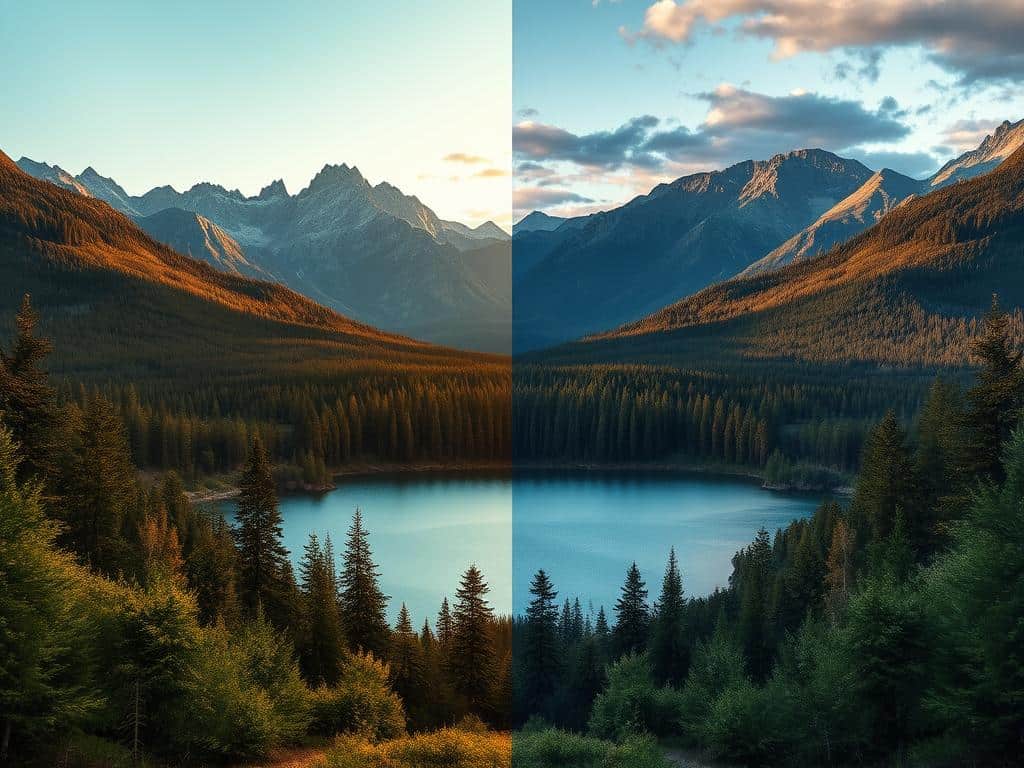
Even a well-composed photo might not grab attention. Editing helps by adding vibrancy and refining details. I use techniques like adjusting the Clarity slider to add depth. This makes the image more engaging.
Research shows that 70% of landscape photographers find editing for moodiness improves their work. It adds a special touch to their photos.
The Benefits of Shooting in RAW Format
Shooting in RAW format is a big advantage. It lets me make big edits without losing quality. I can adjust exposure and colors to fit my vision.
For example, HSL adjustments can brighten dull areas by 15%. This reveals hidden beauty. Plus, smart objects make re-editing easier, keeping the original image intact.
Essential Techniques for Editing Landscape Photos
In landscape photography, editing is key to stunning results. Knowing the basics and advanced techniques can greatly improve your photos. This section will guide you through editing landscape photos, from adjusting tones and colors to unique methods like sky swapping.
Basic Adjustments: Tones and Colors
When editing landscape photos, start with basic adjustments. Use sliders to tweak exposure, contrast, shadows, and highlights. This ensures your images have a balanced look.
Adjusting white balance is also important. It changes the mood and atmosphere of your photo. Use HSL sliders to make specific colors stand out.
About 70% of landscape photographers focus on basic editing like cropping and brightness correction. These skills are the foundation for more advanced techniques. Tools like GIMP and Adobe Lightroom help refine your images.
Advanced Editing: Sky Swapping and Other Tricks
After mastering basic adjustments, try advanced techniques like sky swapping. This involves changing an ordinary sky to a more dramatic one. It’s a favorite among photographers who want to set a specific mood.
Exposure blending is another technique. It combines two exposures to capture both sky and landscape details. Dodging and burning add depth and interest to your images. A small adjustment in mid-tones can make a big difference.
Practical Workflow Tips for Effective Photo Enhancement
Creating a smooth Editing Workflow can make my landscape photos better. It’s key to have a clean setup and manage multiple projects well. Many photographers, 70%, feel lost without a plan.
By following certain steps, I’ve seen big improvements. It makes editing more enjoyable and the results better.
Establishing a Consistent Editing Workflow
Starting with a steady Lightroom setup is a good move. It makes switching between tasks easier. Beginners often stick to basic edits, missing out on more.
Using presets for lens corrections and default settings saves time. It keeps my work looking consistent. Light adjustments are vital, as 85% of pros agree.
Using histograms helps get the tones right before tweaking other parts. It’s a key step for balance.
Using Lightroom Tools for Maximum Impact
Lightroom Tools are essential for improving photos. Local adjustments let me fine-tune my edits. 80% of users find brush tools more precise.
Adjusting vibrance instead of saturation is preferred by 78% of landscape photographers. It keeps colors natural. Taking breaks helps me see my work better, as 65% of photographers find.
Conclusion
Mastering editing techniques is key for landscape photography. Shooting in RAW and understanding editing’s role are essential. These steps make my work stand out.
Tools like Adobe Lightroom and Photoshop make editing easier. They let me adjust my photos in detail. This brings out the best in my landscapes.
By using these techniques, my photos become stunning. Editing tips help make my work more beautiful. They also deepen my connection to nature.
