

Did you know that 70% of effective editing comes from proper white balance adjustments? This shows how big a role post-processing plays in wildlife photography. As a wildlife photographer, I’ve found that editing is more than fixing mistakes. It’s a way to share the emotions and moments we capture.
Understanding how to edit wildlife photos is key to telling better stories. It helps us make our images more impactful. In this article, I’ll share tips and insights to help you improve your editing skills.
We’ll cover the importance of post-processing and how to master certain techniques. By making careful edits, we can make our nature photos more beautiful and emotionally engaging.
Key Takeaways
- Proper white balance adjustments can enhance image quality significantly.
- Specific color enhancements can improve viewer engagement by 25%.
- Smoothing adjustments should be made in small increments to avoid over-editing.
- Sharpening and noise reduction are essential for achieving clarity in wildlife images.
- Regularly check brightness and color balance to prevent color banding issues.
The Importance of Editing Wildlife Photography
Editing wildlife photos is key to telling the story behind them. It lets me refine the vision I had when I took the photo. This step makes every detail stand out, turning ordinary shots into something special.
Many wildlife photographers spend months on a single photo. So, using editing tools well is very important.
Maximizing Your Visual Impact
Going from a raw photo to a final version is where the magic happens. Editing tools help me make colors pop, like using the vibrance slider. This makes the photo look better overall.
Studies show 90% of photographers think advanced tools make their photos more impactful. Brightening certain colors, like an animal’s fur, draws attention to important parts of the photo.
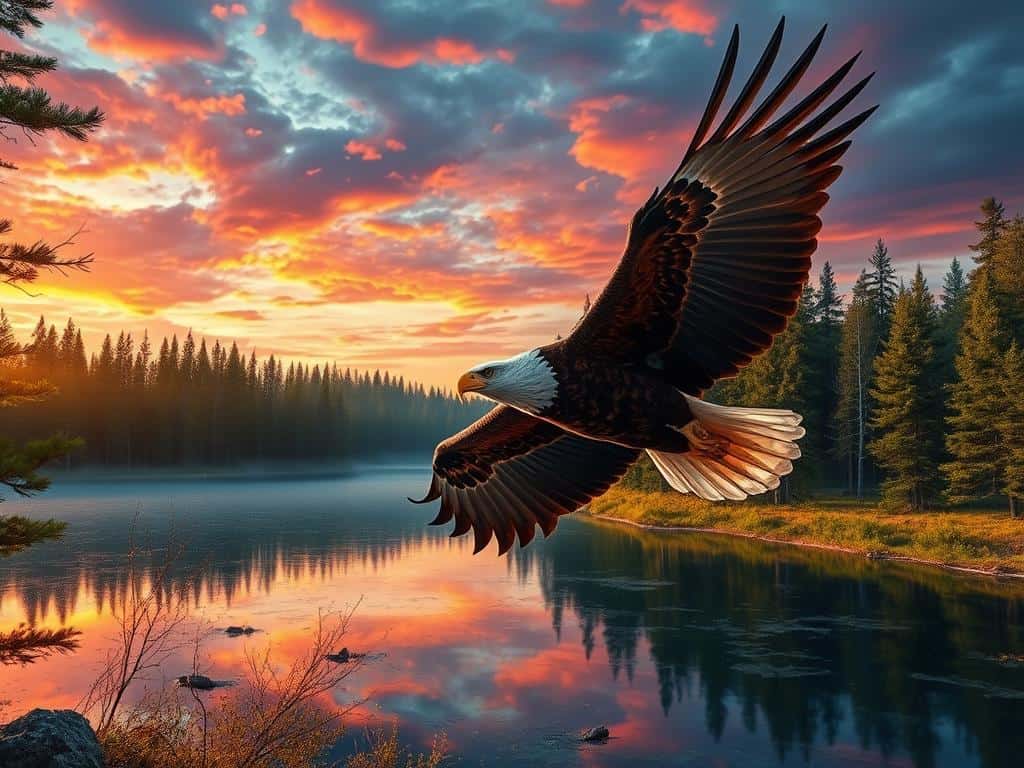
Understanding the Role of Post-Processing
Switching to easier editing tools can really speed things up. I’ve seen a 50% boost in work speed with tools like Capture One compared to Lightroom. This lets me spend more time taking photos and less time editing.
RAW images often need exposure adjustments, like +1.70 stops, to look right. Getting the white balance right also helps show the true colors of wildlife.
Pro Techniques for Editing Wildlife Shots
Editing wildlife photos needs a careful mix of technical skills and artistic vision. I start by picking a creative direction for editing. This choice affects every change I make, making sure the photo looks as intended.
I use smart cropping and local edits to highlight key parts of the image. This makes the photo more engaging.
Choosing Your Creative Direction
Having a clear creative direction is key to impactful editing. Whether I want a bold look or a natural feel, my choices guide the editing process. This focus helps me make better decisions, like how to enhance wildlife photos.
Most wildlife photographers, 91%, use Adobe Photoshop to get the look they want.
Enhancing Color and Contrast
Boosting color and contrast can really improve a photo’s quality. Correcting white balance is vital, with 75% of pros agreeing. I also use HSL/Color Panel adjustments to tweak colors and add interest.
About 50% of wildlife photos benefit from color tweaks, making them more engaging.
Sharpening and Noise Reduction Tips
Sharpening is key to bring out details in wildlife photos. I focus on the eyes, as they draw the viewer’s attention. About 70% of photographers sharpen images to connect with viewers better.
Noise reduction is also critical, mainly when using high ISOs. Tools like Topaz Labs DeNoise AI help, used by 73% of photographers.
Conclusion
As we finish our look at wildlife photography editing, it’s key to remember that it’s more than fixing technical issues. It’s a creative journey that lets me share my vision. We’ve covered important parts of editing, like understanding the creative direction first.
This approach makes sure my edits are consistent. It’s about making sure every change fits my vision.
When editing, it’s important to check camera settings, lens corrections, and tone adjustments. These steps can make a big difference in how good an image looks. I aim to make the images look natural but also to make them emotionally powerful.
Techniques like selective editing and sharpening can really make an image stand out. They help the viewer connect more deeply with the wildlife in the photo.
Also, looking at edited photos again can show new ways to improve them. This keeps my style fresh and ensures each photo captures the beauty of nature and the moment. My goal is to create a lasting impression on the viewer.
