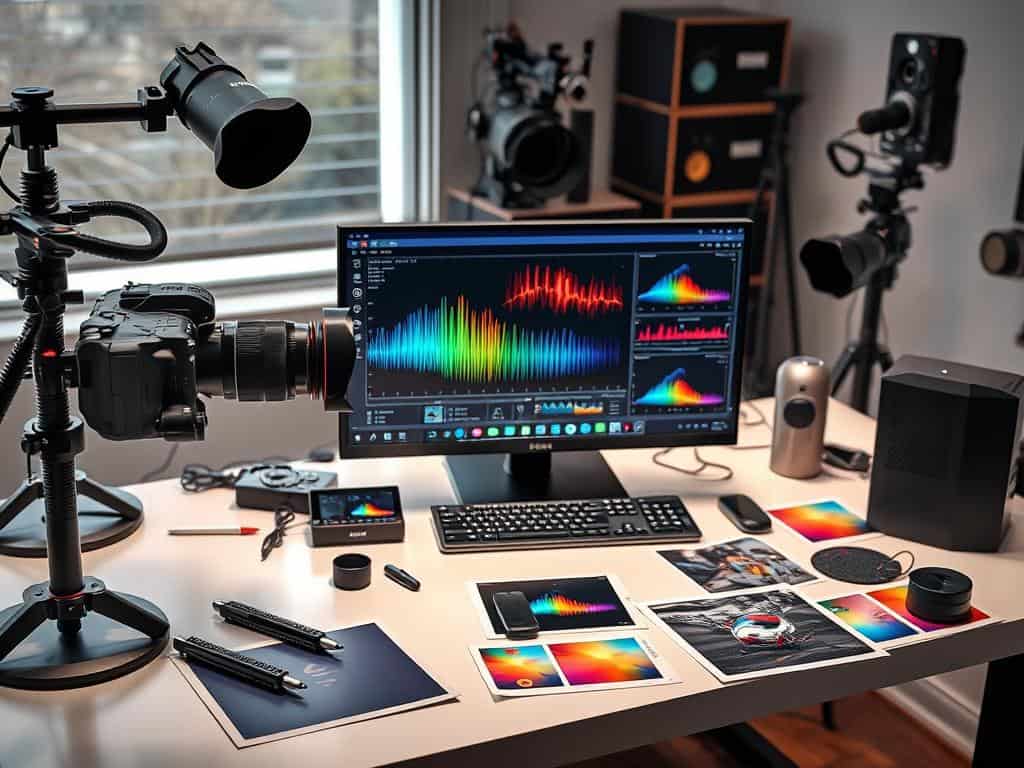

Did you know that companies lose $600 billion a year because of distractions? This includes annoying background noise. When taking photos, noise can ruin the image, even more so in low light. As a photographer, I’ve seen how bad noise can be for photos.
So, finding good noise reduction tools is key for great photos. I’ll show you the top software for this. These tools remove unwanted noise and make your photos look amazing.
Key Takeaways
- Understanding the nature of image noise is essential for effective reduction.
- The right noise reduction tools can dramatically enhance photo quality.
- Noise reduction is essential in low-light settings.
- There are many easy-to-use options for all levels of photographers.
- Good noise reduction software can take your photos to the next level.
Understanding Noise and Its Impact on Photo Clarity
Image noise can change how a photo looks. It’s key for photographers to know about it to get the best results. I find it hard to deal with noise, which gets worse in low light.
What is Image Noise?
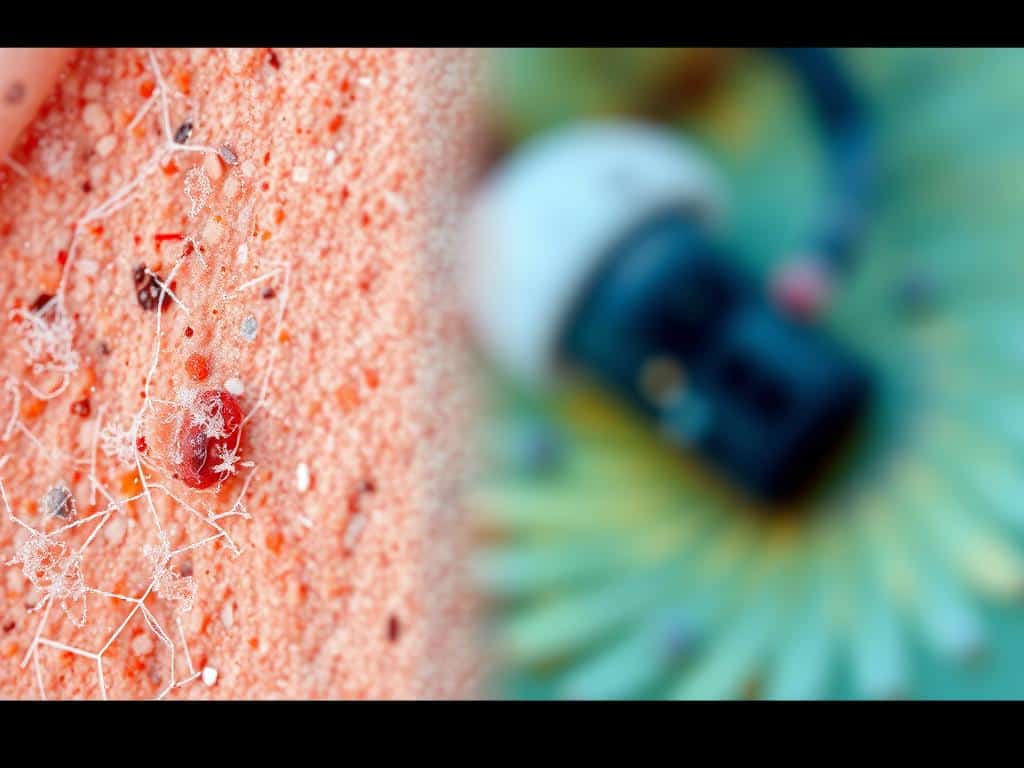
Image noise is unwanted graininess or distortion in photos. It shows up as random speckles or pixelation, hiding details. In low light, with high ISO settings, noise becomes a big problem for clear photos.
Common Causes of Noise in Photos
Many things cause noise in photos. High ISO settings, long exposure times, and camera sensor limits are main culprits. Smaller sensors make more noise in the dark than bigger ones. These factors can make photos less clear, unless you use noise reduction.
Why Noise Reduction is Essential for Low Light Editing
Good noise reduction is key for editing in low light. Grainy photos don’t look good in bad lighting. By fixing these issues, photographers can make images look alive and engaging. This is important for sharing photos online today.
Best Noise Reduction Software for High-Quality Images
In my search for top-notch image quality, I found several noise reduction software options. These tools improve my photo editing and meet different user needs. Let’s explore some of the best ones.
AVCLabs: AI-Powered Precision for Professionals
AVCLabs uses advanced AI for noise reduction. It spots noise while keeping important details like edges and textures. It’s great for both beginners and pros, making images better without losing quality.
Fotor: User-Friendly Editing with Batch Processing
Fotor is easy to use, making it perfect for those who like simple apps. It has easy sliders for adjusting noise and supports batch processing. The real-time preview helps see changes right away.
Media.io: Fast and Versatile Image Cleaning
Media.io uses AI to quickly remove noise while keeping image quality high. It’s good for many types of photos, making it a key part of my editing routine. Its speed and quality make it essential.
PineTools: Intense Control Over Noise Reduction
PineTools gives you detailed control over noise reduction. It works with many image types and lets you adjust noise settings. This lets me customize my edits to fit my needs and style.
Upscale.media: Effortless Noise Removal and Image Enhancement
Upscale.media makes noise removal easy, perfect for low-light photos. Its AI tools automatically remove grain, making image enhancement quick. The real-time preview lets me see changes instantly, ensuring I’m happy with the final result.
Conclusion
Using the best noise reduction tools can really improve my photos. I’ve looked at many tools, like AVCLabs and Fotor. They each have special features for different needs.
Dealing with noise is key, even more so in low light. Tools like DxO DeepPRIME XD can make a big difference. They turn grainy photos into clear ones, perfect for sharing or professional use.
Whether it’s the Nikon D850 or the Olympus OM-1, the right tool makes a huge difference. It turns an okay photo into a stunning one. I’ve learned how important noise reduction is for clear photos.
