
Did you know that pixel peeping is a key skill for photographers? It means looking at an image at 100% or 1:1 magnification. This is vital in post-production. Some stock photography agencies require this to avoid technical issues.
This practice has become more important after a camera was criticized for autofocus problems. Some users thought it was unnecessary. But, zooming in while editing can reveal important details. These include sharpness, noise levels, and image quality.
In this article, I’ll share tips on when and how to zoom in. By looking at images closely, I can find details that make my photos better. Stay with me for practical advice on editing. We’ll find a balance between detail and the big picture.
Key Takeaways
- Understanding pixel peeping and its relevance in the editing process.
- Mandatory practices for stock photography agencies to minimize technical rejections.
- The evolving perception of pixel peeping among photography communities.
- Benefits of analyzing sharpness and noise levels at 1:1 zoom.
- Importance of viewing at appropriate magnification levels for improving image quality.
Understanding Pixel Peeping in Photography
In photography, knowing what pixel peeping definition means is key to better images. It lets me look at my photos closely to check sharpness and details. This practice has grown in importance but also has its downsides.
What is Pixel Peeping?
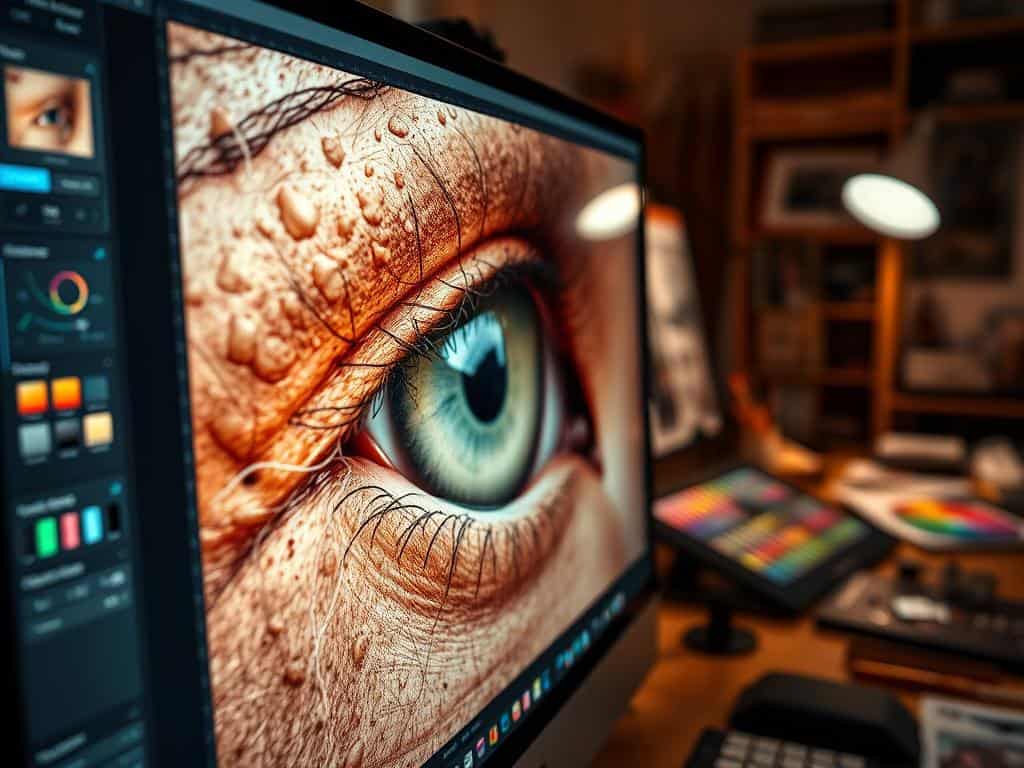
Pixel peeping means looking at photos at 100% or more zoom. It helps me spot technical issues in images. Once seen as a must for top photographers, it’s now viewed as a way to check image quality.
Historical Context and Evolution of the Term
The history of pixel peeping goes back to when photographers checked their work very closely. In the past, looking at images at 1:1 was common. But, it’s now seen as too critical, hiding its true value in checking images.
Pros and Cons of Pixel Peeping
Pixel peeping has its advantages in making my photos better. It helps me see sharpness and details that improve the image. But, it also has disadvantages. Looking too closely can make me miss the bigger picture of the photo. Finding the right balance is important.
Pixel Peeping Tips: Optimizing Image Quality and Details
Improving image quality means understanding sharpness and noise well. Learning to pixel peep can greatly improve your editing skills. This part covers key techniques for better image quality, focusing on sharpness, noise, and the right zoom levels.
When to Check Sharpness and Focus
Checking sharpness is key during editing. Looking at images at 1:1 magnification shows focus issues that aren’t seen at lower zooms. A sharp focus makes details stand out and keeps important features clear.
When I closely examine my images, I use three main factors: shutter speed, aperture, and focal length. These help me get the best sharpness.
Evaluating Noise Levels at 1:1 Zoom
Zooming in to 100% helps me spot noise better. But, remember that different sizes can change how noise looks. Adjusting noise settings, I aim for a balance that keeps the image quality high without losing important details.
Importance of Viewing at Appropriate Magnification Levels
Pixel peeping is useful, but seeing the big picture is just as important. The way images look on social media or in prints depends on the zoom level used. Choosing the right zoom for editing helps keep the image true to the artist’s vision, blending detail with the desired effect.
Conclusion
Mastering pixel peeping is key for me to get high-quality images. I focus on sharpness, focus, and noise levels. This helps me check my images’ technical details well.
But, I also know it’s important to step back and see the big picture. This way, I can enjoy the art and story behind my photos.
Finding a balance in photo editing is important. It’s about mixing technical skill with feeling. Even though some think high-end gear is better, many people feel their smartphone photos capture moments better.
Using the tips on pixel peeping, I can improve my editing. This makes sure my photos are not just good but also connect with people. It’s about mastering photo details and keeping the essence of my work. This way, my photos truly show my vision and feelings.
