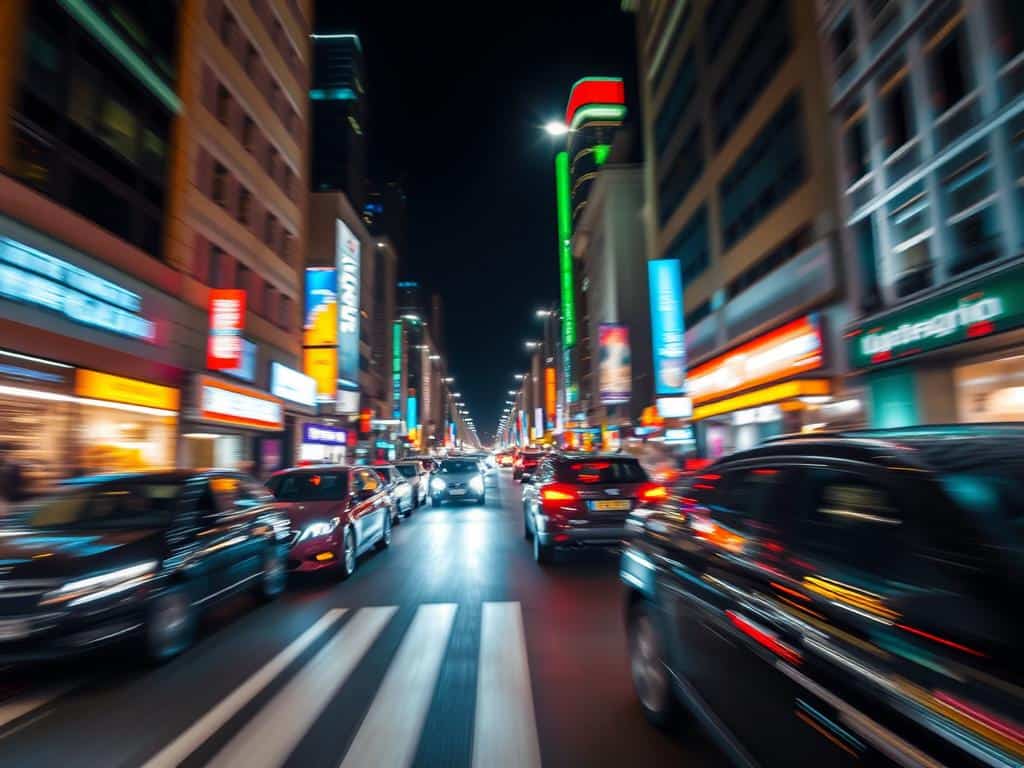

Did you know photographers use shutter speeds as slow as 1/30s or slower for motion blur? This technique captures movement in photos, turning simple scenes into amazing visuals. By learning about shutter speed and stabilization, anyone can take stunning motion blur photos.
Key Takeaways
- Slow shutter speeds (1/30s or slower) are key to creating motion blur.
- Motion blur can be enhanced through techniques like panning and zooming.
- Using a neutral density (ND) filter helps achieve longer exposures without overexposure.
- A tripod is essential for maintaining stability in long exposure shots.
- Post-production tools like Adobe Photoshop allow further motion blur manipulation.
- Pairing slow shutter speeds with narrow apertures and low ISO settings helps control exposure.
- Practice and experimentation are key to mastering motion blur photography.
Understanding Motion Blur Photography
Motion blur photography makes moving objects in a photo look blurred. This happens when the shutter is open and the subject moves. Knowing how to use motion blur can really improve your photography skills.
What is Motion Blur?
Motion blur is all about shutter speed. A slower shutter speed means more blur. For example, to capture a waterfall’s flow, you might use a shutter speed of 1/30 seconds to 3 seconds.
To get light trails from cars, you might use 10 to 20 seconds. The blur effect gets better with slower shutter speeds. But, to avoid blur when holding your camera, use at least 1/60 seconds.
“The key to achieving stunning motion blur is balancing your shutter speed with the subject’s movement. Faster actions, like running or car racing, might need shutter speeds from 1/100 to 1/500 seconds, while slower motions, like walking, can be captured beautifully with speeds between 1/30 to 1/60 seconds.”
Creative Uses of Motion Blur
Motion blur can make ordinary scenes look amazing. Sports photographers use it to show athletes’ speed and intensity. Cityscapes with blurred car lights and waterfalls that look like silk are also stunning.
Keeping your camera steady is key when using slow shutter speeds. Tools like the ZHIYUN Crane 4 help a lot. Panning techniques can also make your photos look more professional. Try different shutter speeds and conditions to get better at blur photography.
Setting Up Your Camera for Motion Blur
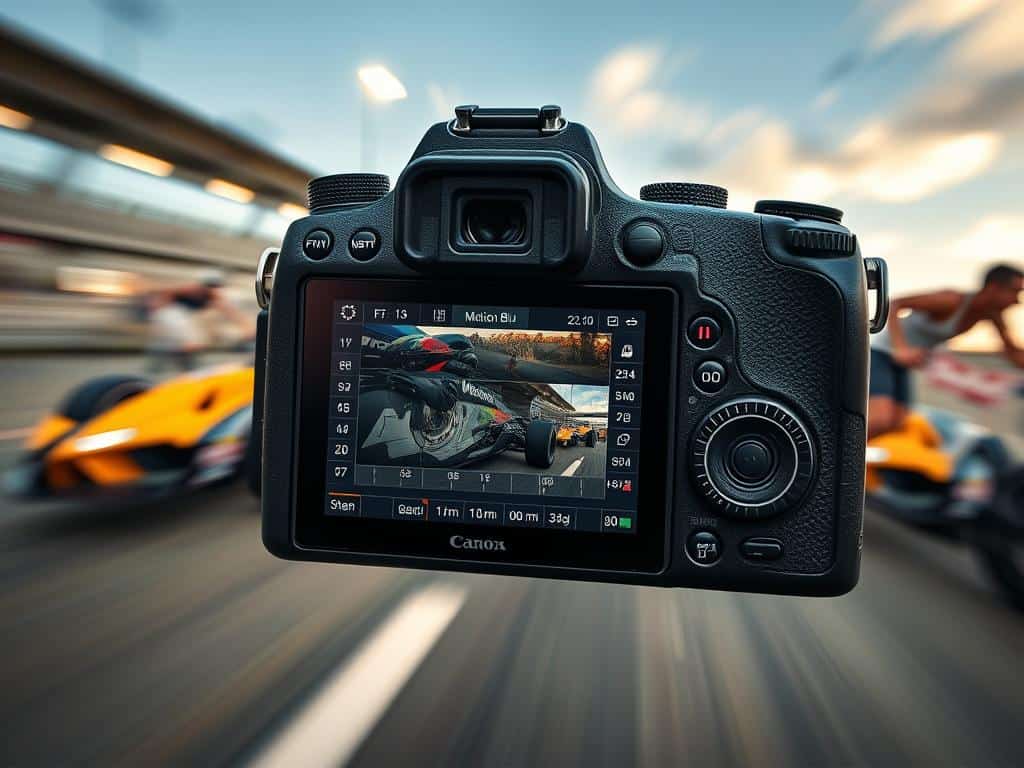
To get amazing motion blur shots, you need to adjust your camera settings. Whether you’re in manual mode or shutter priority mode, knowing how to tweak settings is key.
Choosing the Right Shutter Speed
The shutter speed you pick affects the blur in your photos. For slow-moving subjects, use speeds from half a second to a full second. For example, a 1-second shutter speed is great for capturing a river’s flow.
Fast-moving subjects, like in sports, need quicker shutter speeds. Try 1/200, 1/125, or 1/100 seconds to freeze fast action. For smooth panning, use speeds between 1/30 to 1/125 seconds.
Stabilizing Your Camera
Keeping your camera steady is vital to avoid blur. Use a tripod or a solid surface to keep things sharp. For smooth panning, a tripod with a panning head is best.
Also, try continuous shooting or burst mode. Taking many photos quickly boosts your chances of catching the perfect moment in action shots.
Motion Blur Techniques
The world of digital photography editing has changed a lot with AI tools. These tools have made it easier to handle motion blur in photos. Now, anyone can easily add motion blur to photos without needing special camera setups.
AI tools are great at adding the right amount of blur to photos. They’re perfect for making static photos look like they were taken with slow shutter speeds. These tools are easy to use, letting photographers try out different blur styles with just a few clicks.
Using AI Tools for Motion Blur
Tools like Adobe Photoshop’s Neural Filters and Skylum’s Luminar AI make it easy to adjust motion blur. They let photographers fine-tune blur in post-production, getting consistent results. These tools are simple enough for anyone to use, no matter their skill level.
AI tools also fix problems like camera shake, which can happen with long lenses and slow shutter speeds. They adjust blur with precision, keeping images clear and artistic. The tools use smart algorithms to apply blur correctly, keeping the photo’s quality.
Using AI in photo editing makes the process simpler and opens up new creative options. Whether fixing a missed shot or trying out new styles, AI tools for motion blur are a great choice. They let photographers focus on their vision, not the technical challenges of old methods. As AI technology grows, it will be exciting to see how it changes photo editing.
Conclusion
Mastering motion blur is a mix of technical skill and creativity. It’s essential for any photographer. With the right tips, you can start playing with shutter speeds to capture moving scenes.
From light trails at night to birds in flight, knowing shutter speed is key. It lets you show movement in your photos.
Stabilization is also important. Use a tripod or practice panning to keep your subject sharp. This way, the background blurs, showing movement.
Whether it’s a waterfall or a busy street, these skills can make your photos tell stories. Motion blur adds depth and tells a story in one photo.
This technique works in many photography styles, from sports to art. It brings time and action to life in your photos. By using old camera tricks and new AI tools, you can keep improving your photos.
So, explore the world of motion blur. It can take your photography to exciting new places.
