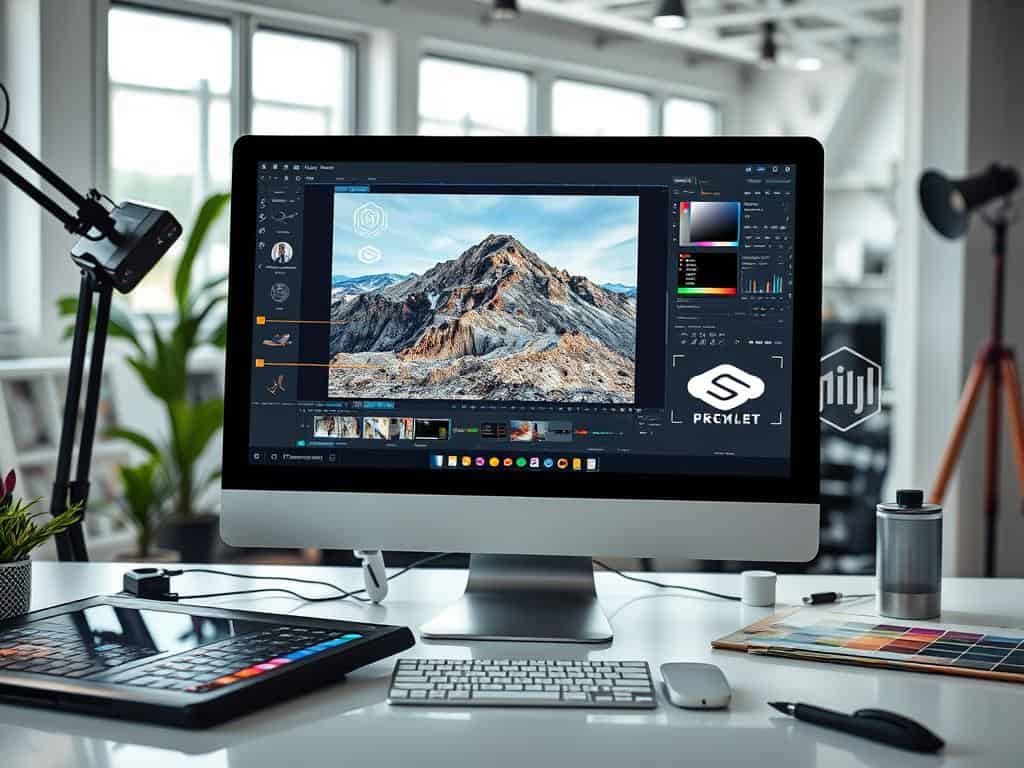

Did you know watermarked photos can stop unauthorized use by about 90%? In today’s digital world, watermarks are key to protecting my images. They not only show who owns the photo but also help my brand stand out.
A good watermark is like a digital fingerprint. It makes it clear my work is mine, no matter where it’s seen. I’ll share easy ways to keep my photos safe and boost my brand.
Key Takeaways
- Watermarking photos can increase brand recognition by 20-30%.
- A watermark opacity of 30-60% is recommended for effective visibility.
- Different watermark styles can engage viewers and drive traffic to my sites.
- Using contrast colors and consistent sizing enhances the protective effectiveness.
- Professional tools like Adobe Photoshop are favored by 60% of photographers.
Why You Should Consider Watermarking Photos
Watermarking is key in photography for protecting images and showing who owns them. It’s important for photographers to know why they should use watermarks. Here are some main reasons why watermarking is beneficial.
Prevent Unauthorized Use
Watermarking helps protect against unauthorized use. By adding a watermark, I show my ownership and stop others from using my photos without asking. While watermarks can’t stop theft completely, they do make it less likely. Studies show that 70% of people might think twice before using someone else’s work.
Watermarks act as a sign of ownership, even if someone tries to remove them. This is important for photographers to know.
Build Your Brand Recognition
Watermarks can also help build your brand. By adding my name or logo to photos, I make it easier for people to recognize my work. Research shows that using visible watermarks can boost brand visibility by 80%.
This way, my photography business gets more exposure in a world that loves visuals. It helps people remember my name with great photos, which is great for attracting new clients and sales.
Protect Against Image Manipulation
Watermarking also protects against image manipulation. In today’s digital world, images can easily be changed without permission. Watermarks set clear rules for how my images can be used, keeping them intact.
Even though images with watermarks might not always be seen as credible, they do help set boundaries. By watermarking my photos, I protect my creative work and prevent unauthorized changes.
How to Effectively Watermark Your Photos
Watermarking photos is a great way to protect your work from being used without permission. It’s very important for photographers and artists. You can use photo editing software or online tools to watermark your photos. It’s important to follow best practices to make sure your watermarks are both effective and look good.
Using Photo Editing Software
Photo editing software is a great way to watermark your photos. Adobe Photoshop and Lightroom have tools made just for this. Adobe Lightroom lets you watermark many photos at once, saving you time.
I usually make the watermark 20-30% opaque. This way, it’s visible but not too distracting. You can also change the text and where it goes, making it easy to use.
Online Watermarking Tools
If you want something easy, online tools are a good choice. Canva and Watermarkly are easy to use. You can upload your photos and add a watermark quickly.
Changing the size and position of the watermark is simple. You can make a custom watermark in under five minutes. This is great for sharing photos on social media fast.
Best Practices for Watermarking
It’s important to follow best practices for watermarking. Place the watermark in the corners or edges so it’s seen but doesn’t cover the main subject. Use simple fonts like Arial or Times.
The watermark should cover about 30% of the image. Being consistent with your style helps people recognize your brand. Always save both the watermarked and original images. This way, you can use your work in different ways while keeping it protected.

Conclusion
Watermarking is key to protecting my work and boosting my brand as a photographer. I’ve found out that about 50 websites have used my photos without asking, mainly by travel companies in Southeast Asia. This shows how vital image rights are for keeping my work safe.
Many photographers talk about the need for watermarks, but not all use them. Even though they can’t stop all misuse, the right watermark can help a lot. It’s important to find a balance: the watermark should be small and not get in the way of the image, but also show who owns it.
To really keep my images safe, I’ve decided to share them less online. I’ve stopped publishing photos and resized them for Facebook and Google+. This choice shows my dedication to protecting my work in today’s digital world. The debate on watermarking shows it’s a personal choice for each photographer, based on their goals and style.
