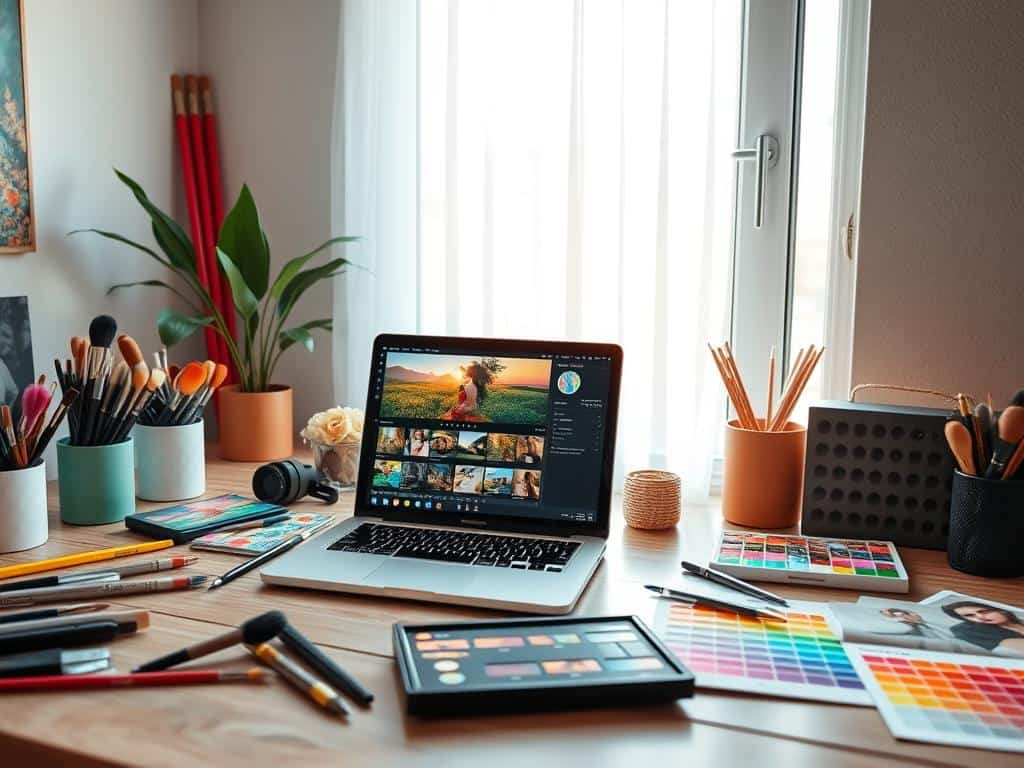

Did you know videos make up 85% of all Instagram traffic? This shows how important it is to learn how to edit for Instagram. I’ve gained around 300k followers by using unique editing styles and techniques. I’m excited to share how you can boost your Instagram presence.
In this guide, we’ll cover the basics of editing for Instagram. We’ll talk about the right camera gear, essential accessories, and techniques to improve your photos. We’ll also explore photo filters and editing apps to take your social media edits to the next level.
Key Takeaways
- Engaging content starts with high-quality edits tailored for Instagram.
- Mastering one photo and video editing app can significantly improve your posts.
- Understanding visual trends can help you stand out among your followers.
- Utilizing filters effectively can enhance the aesthetics of your images.
- Choose the right tools to create seamless and appealing video content.
- Edit regularly to maintain a consistent and engaging Instagram presence.
Camera Gear Essentials for Instagram Edits
To get stunning images for my Instagram, I’ve learned the importance of the right gear. My iPhone is a top choice for mobile photography. It’s perfect for capturing moments without the need for heavy equipment.
Using Your iPhone for Stunning Shots
The iPhone’s camera is amazing, making it great for quick photo edits. Its quality is on par with many standalone cameras. iOS updates and new apps bring exciting features for photo enhancement.
Getting stable shots is key. A sturdy phone tripod helps a lot, like the Newest 62″ Phone Tripod for $36.99. It’s great for getting impressive angles or filming action.
Must-Have Accessories
Adding mobile photography accessories can make my Instagram posts better. A flexible tripod, like the JOBY PodZilla for $54.95, lets me get creative with angles. For bright colors and well-lit images, I use the Skytex Softbox Lighting Kit for $49.99.
For better video, I use a Wireless Lavalier Microphone for Phones at $42.99. It makes my audio clear and crisp.
Smartphone gimbals, like the DJI Osmo Mobile 6 for $159, are also essential. They help stabilize my phone for action shots. This makes my Instagram Reels clearer and more engaging, perfect for showing behind-the-scenes.
Editing for Instagram: Techniques to Transform Your Photos
Editing photos for Instagram can really boost your content. I start by picking the right editing apps for Instagram, like VSCO, Snapseed, and Lightroom. These apps let me tweak things like white balance and exposure. Learning good photo editing techniques is key to creating eye-catching posts.
Getting Started with Editing Apps
Start by checking out different editing apps. GRAB is great for adding filters and effects to your photos. Some people love VSCO’s bright presets, while others prefer Lightroom’s detailed adjustments. There’s an app for everyone, making it easy to find what works best for you.
Key Editing Techniques
Learning basic editing skills can make a big difference. Cropping helps shape your photo, and spot-cleaning gets rid of unwanted stuff. Adjusting the vibrancy and saturation makes colors pop, grabbing attention without looking too done.
The aim is to create images that are inviting and tell a story. This is done with small but significant changes.
Utilizing Filters and Effects
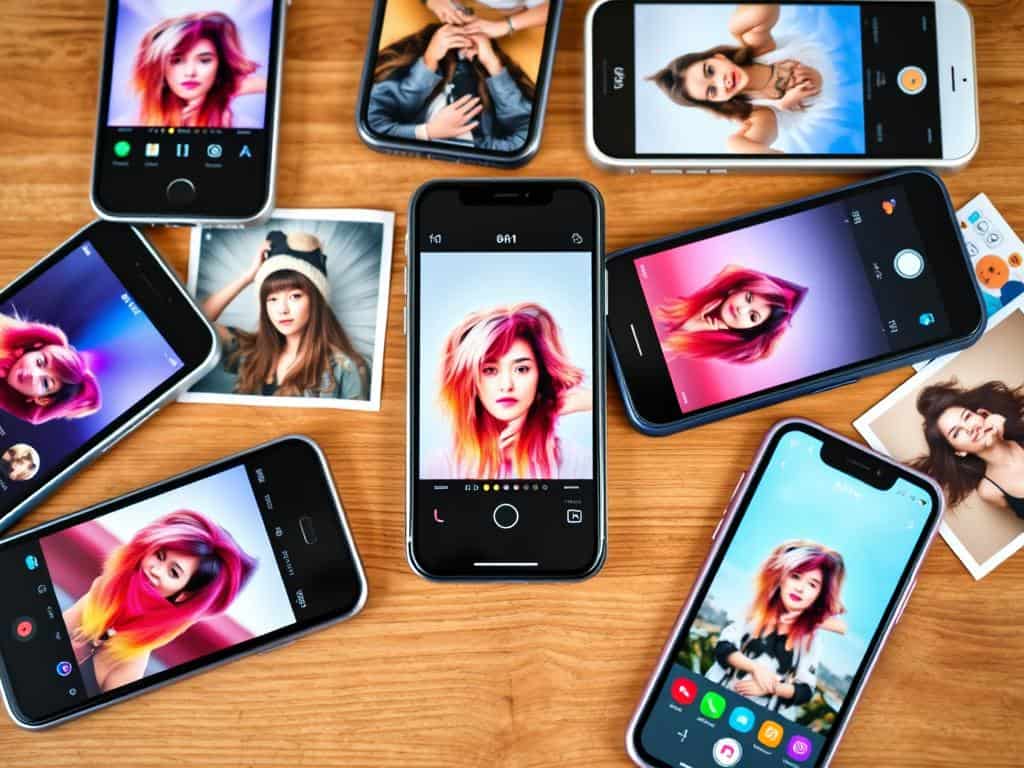
Playing with Instagram filters can really enhance your photos. For example, Claredon adds contrast in a natural way, fitting many themes. Many pros use filters, but customizing looks is also popular. Lux, for instance, improves exposure, leading to amazing visual transformations that connect with viewers.
Conclusion
Mastering photo editing for social media is key to making an impact on Instagram. Knowing both photography and post-editing can take your posts to the next level. Using the right camera gear, like the iPhone’s grid feature, helps create stunning photos.
Also, shooting during the “Golden Hour” can make your photos look softer and warmer. This naturally makes your Instagram photos better.
Tools like Planoly help schedule posts and track engagement, improving your strategy. Apps like Photoshop Express and InShot offer advanced editing features. They let you create engaging content easily.
Using templates from Unfold or Stories Edit helps keep your brand consistent. It also lets you share unique stories.
Remember, focusing on video content is important. Videos make up 85% of Instagram traffic. Using Reels, Stories, and editing tools keeps you in line with trends.
By using these tips, you can attract more viewers and grow your following. Creativity and detail can make your Instagram photos stand out.
