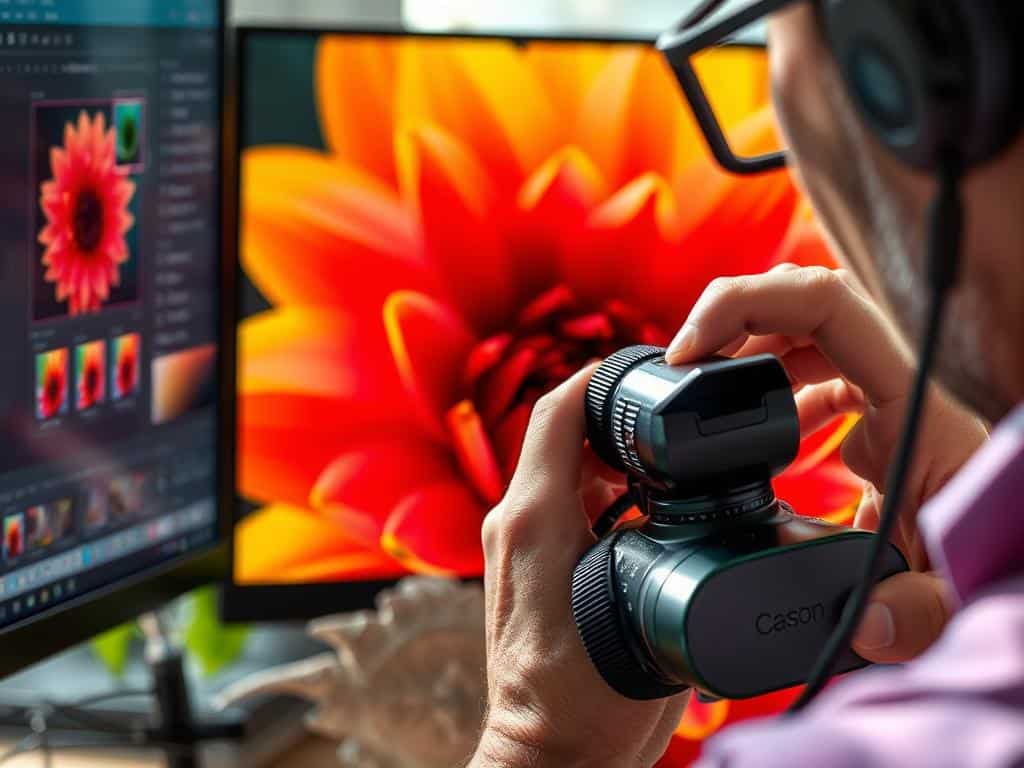

Did you know that half of a great macro photo comes from taking it, and the other half from editing? This shows how important it is to not just take good pictures but also to edit them well. Editing macro photos can make your close-up shots truly stand out.
Whether you want to make your macro images pop or create detailed close-ups, knowing this is key. In this article, we’ll cover essential editing techniques for macro photos. We’ll see how both good shooting and smart editing can make your photos shine.
With a great photo as your starting point, we’ll show you how to use Photoshop to take your work to new levels.
Key Takeaways
- Post-production editing plays a critical role in macro photography.
- The recommended maximum width for web display of macro images is 1024 pixels.
- Using the unsharp mask technique can greatly improve color vibrancy.
- Adjusting shadows and highlights makes details more visible.
- The S curve tool can highlight important elements by boosting color brightness.
- Learning a few editing techniques can significantly improve macro image quality.
Understanding the Basics of Macro Photography
Macro photography opens a world of incredible detail. It’s key to know the basics for those diving into this art. You can capture images with high magnification, showing details we usually miss, like a butterfly’s wings or a flower’s texture.
The Essence of Macro Photography
Macro photography shows the beauty in small things. The right equipment is vital for clear, precise images. Good macro lenses or extension tubes make a big difference, letting you focus on tiny details and create amazing pictures.
Importance of Equipment
The right gear is essential in macro photography. It’s important to invest in equipment made for capturing small details. Brands like Canon and Nikon offer great options for beginners.
Types of Subjects in Macro Photography
Macro photography covers a wide range of subjects. I enjoy shooting everything from nature, like insects and plants, to man-made items, like jewelry and watches. This variety lets photographers find their own style and explore new things.
Editing Macro Photography: Essential Techniques
Editing macro photos can make them look amazing and detailed. I use several key techniques to make your images stand out. These techniques help bring out the small details that macro photography captures.
Tightly Cropping for Detail
Cropping tightly is key in macro photography. It removes extra background, making the main parts of the photo clear. This lets viewers see the tiny details that are hard to spot with the naked eye.
By cropping carefully, I highlight the beauty and details of macro photos. It shows off the fine details that make macro photography special.
Resizing for Purpose
Resizing images is next, and it depends on how you plan to use them. Whether for print or the web, resizing keeps the image clear and the file size small. I choose the right size for each platform, making sure my images look great and work well.
Knowing what format to use helps me work faster. It also makes sure my photos are shown in the best way possible.
Sharpening with Photoshop Tools
Sharpening in Photoshop is vital for better image quality. I use Lab color mode and the unsharp mask filter for sharpness. These steps make my macro photos look vibrant and clear.
Using these sharpening techniques carefully avoids a harsh look. It also brings out the colors, making the photo more interesting.

Enhancing Detail and Color in Post-Production
Post-production is key to making macro photos stunning. It adds detail and color. By making specific adjustments, I can make my macro shots look amazing.
Utilizing Shadows and Highlights Adjustments
Adjusting shadows and highlights is vital for macro images. It brings out details that might be missed. Raw files keep 12-14 bits of color info, which helps a lot.
I usually tweak exposure by +/- 10%. This keeps the image balanced and true to life.
Creating Contrast with S Curves
S curves in Photoshop add contrast to macro photos. They make colors pop and look more alive. The S curve helps me fine-tune my images while keeping them natural.
This method ensures my images have the right balance. It avoids the look of HDR, making the photos more appealing.
Exploring Focus Stacking for Consistent Sharpness
Focus stacking is essential for sharp macro photos. I take several shots at different depths. This improves the depth of field in my final photos.
This method takes time, sometimes over five minutes. But it’s worth it for the sharp details it brings out.
Conclusion
Reflecting on macro photography editing, it’s clear that the right techniques can make close-up images stunning. From sharpening with Photoshop to using Helicon Focus and Topaz Denoise AI, each method adds depth. These tools help me show the beauty in everyday things.
My thoughts on macro photography highlight the importance of editing. Many photographers spend hours on their shots but overlook editing. By learning and applying these editing skills, we can create vibrant macro photos.
In conclusion, mastering macro photography and editing opens up endless possibilities. I urge photographers to explore and improve their skills. Let’s discover the amazing world hidden in plain sight!
